
Your Wedding Seating Chart Sign, From Styling to Late Changes
Give your guests a QR code they scan to find their table, instead of a printed board everyone crowds around. You update it live as your guest list changes, so a cancellation on the Thursday before the wedding never means a reprint.
What's Different About a Wedding Seating Chart
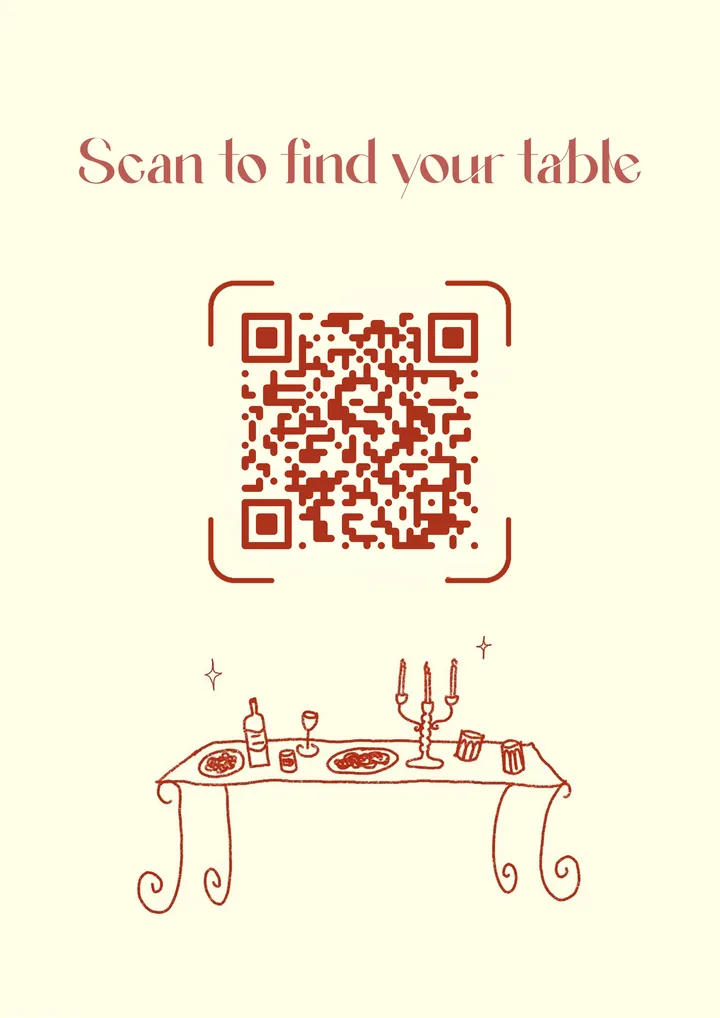
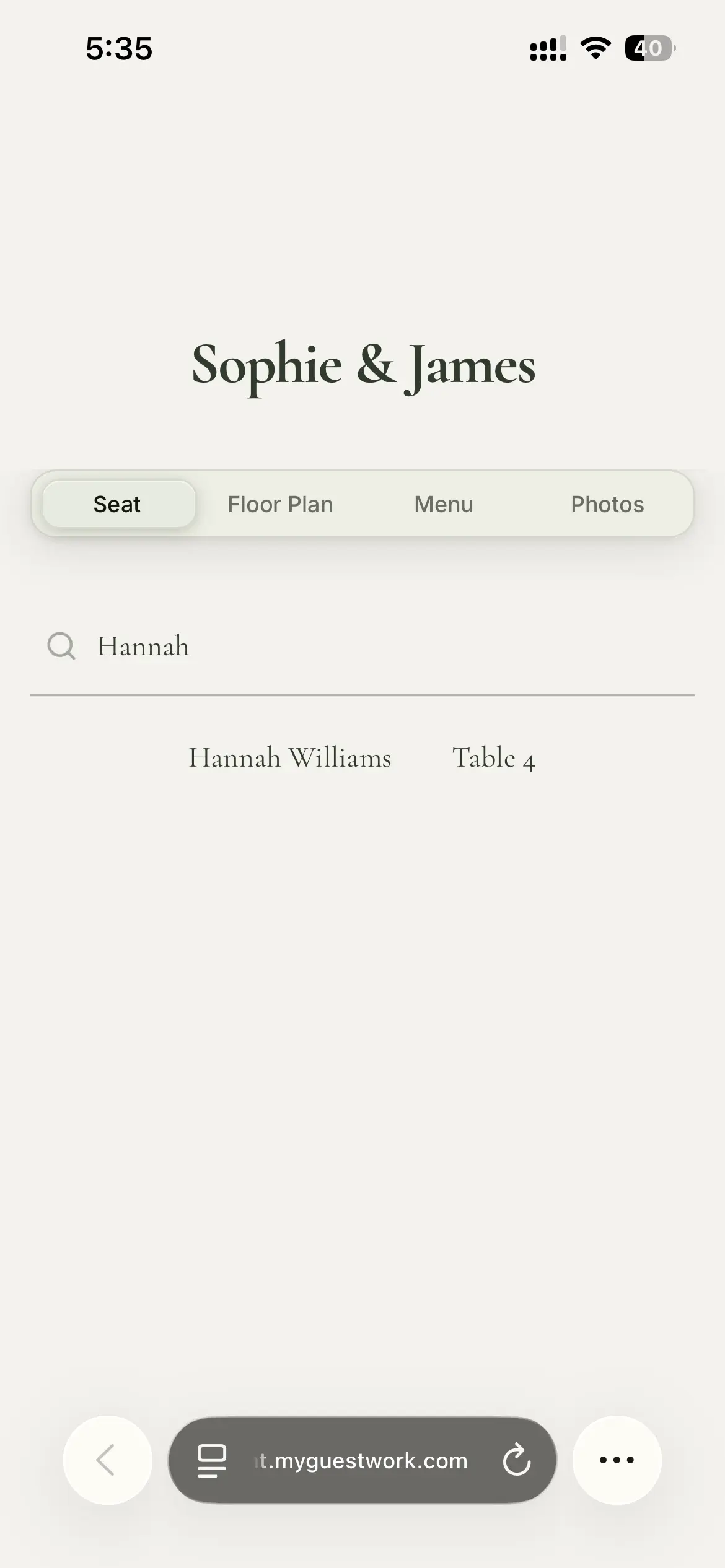
A wedding seating chart QR code is a small printed code that opens a live page. Each guest types their name and sees their table. The underlying mechanics are the same for any event, so if you want the technical side first, here is how QR code seating charts work.
What follows here is the part that is specific to weddings. The guest list keeps moving, the family seating is delicate, and a good share of your guests will be scanning a code for the first time. That is what a printed board handles badly and a QR code handles well.
Your Guest List Won't Sit Still
Wedding guest lists move right up to the day. On an average wedding, 5 to 10 percent of the final headcount shifts in the last two weeks: RSVPs that land after the deadline, a plus-one who is suddenly coming or suddenly not, an aunt who pulls out on the Wednesday with the flu. On a 145-guest wedding that is roughly 8 to 15 people moving after you thought the numbers were settled. A printed seating board locks all of it in the moment it goes to print. Every change after that is a reprint, or a handwritten correction that looks like a handwritten correction.
5 to 10%
of the final headcount shifts in the last two weeks
8 to 15
guests on the move at a 145-guest wedding
The timing is what makes it tight. Most couples set the RSVP deadline 4 to 6 weeks out and finalise the chart 1 to 2 weeks before the day. That short window is not an accident. The venue, the caterer and the florist each have their own separate cut-off for final numbers, and the seating chart sits at the end of that chain. So by the time you have a real headcount, there is very little runway left.
- 4 to 6 weeks outRSVP deadline
- 1 to 2 weeks outChart finalised
- The dayGuests arrive and scan
The printed-world fix is a swing table. You set aside one table with a couple of spare places to soak up late additions, so a surprise plus-one has somewhere to go without redrawing the room. It works, but it is a workaround. With a live chart you just move the guest. Open MyGuestWork on your phone or a computer, put them at a new table, and the page shows their seat the next time they scan. No swing-table gymnastics, no reprint, and no second sign propped next to the outdated one. Because it works from a phone, a change can happen on the wedding day itself, not only from a desktop the week before.
If your planner runs your event on an Event Bundle, they can invite you as a client, so more than one person can move guests around while you are getting ready. For a fuller plan for the week-of scramble, read our guide to handling last-minute wedding seating changes.
Seat the Family, Keep the Peace
Seating is where a lot of wedding diplomacy happens. Divorced parents who would rather not share a table. A top table for the wedding party, or a sweetheart table just for the two of you. A friend group that has to be split so nobody ends up next to an ex. None of this is really a software problem. But a chart you can edit quietly, without rearranging a printed board while relatives watch, makes those calls much easier to change your mind on later.
For the harder cases, we have a guide on how to seat divorced parents at a wedding, and a full walk-through on how to make a wedding seating chart from your first headcount to the final table. If you are still settling table sizes, our guide on how many people fit at a wedding table shows how much room you are actually working with.
Why Couples Choose a QR Code Wedding Seating Chart
No reprint for a Thursday cancellation
Move a guest in the dashboard, and guests see the new table the next time they scan. The sign at the door stays exactly as it is.
Reseat the family without an audience
Rearrange tables online as many times as it takes, without redoing a printed board in front of everyone.
Styled to match your wedding
Your colours, names, and a photo on both the sign and the page guests land on, so it reads as part of the day.
Ready for the whole ceremony crowd
Simple for older relatives, and quick when everyone arrives at once after the ceremony.
Make the Sign Look Like It Belongs at Your Wedding
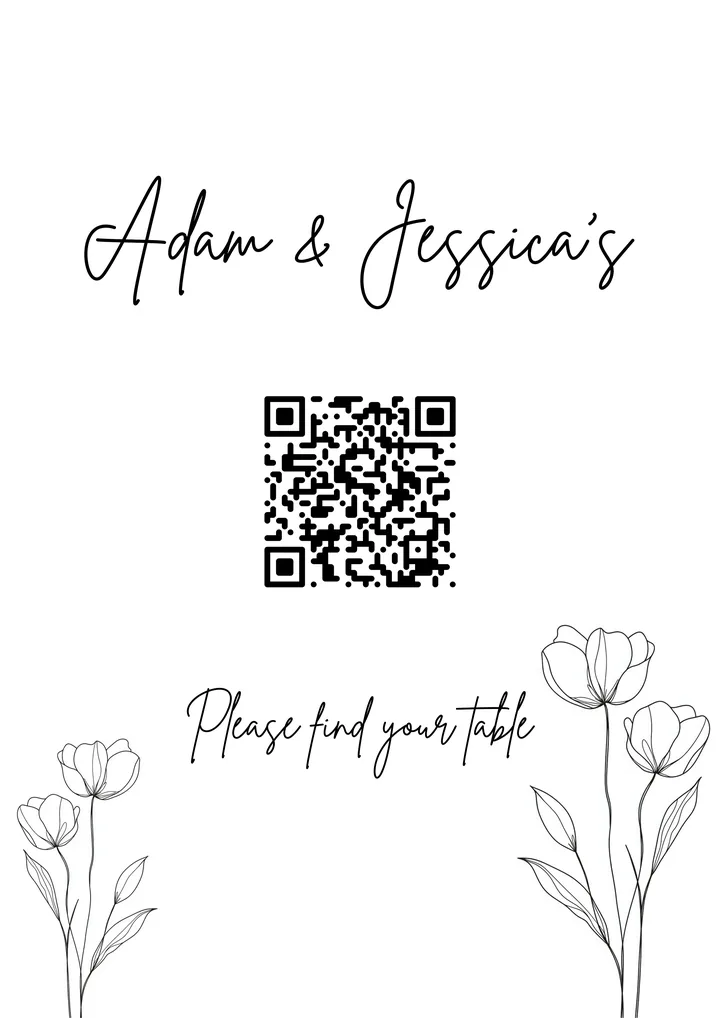
A QR code does not have to look like a parcel label at the door. You can style both the sign and the page guests land on to match your wedding, so your colours, your names, and a photo carry through from the invitation to the code on the welcome table. Stand it on an easel by the entrance, frame it beside the guest book, or print small cards for each place setting. It sits alongside your other signage instead of clashing with it.
The page behind the code matters as much as the sign in front of it. When a guest scans, they land on something that feels like your wedding rather than a plain search box.

Easy for the Cousin Who Lives Online and the Grandparent Who Doesn't
Weddings have the widest age range of any event you will put on. The same welcome table has a 25-year-old and an 80-year-old at it, and the code has to work for both. Scanning is about as simple as phones get. Point the camera, tap the link that appears, type a name. There is no app to install and no account to set up. For anyone who would still rather not, a couple of printed copies of the list near the entrance covers them, and the QR code keeps the queue moving for everyone else.
- Point the camera
- Tap the link
- Type a name
Arrivals help make the case too. Guests don't turn up in an orderly line. They come in waves after the ceremony, often all at once when the reception opens. Everyone searching from their own phone means the crowd sorts itself out, instead of a bottleneck forming around one board while the line backs up behind it.
One Code That Carries the Whole Wedding Day
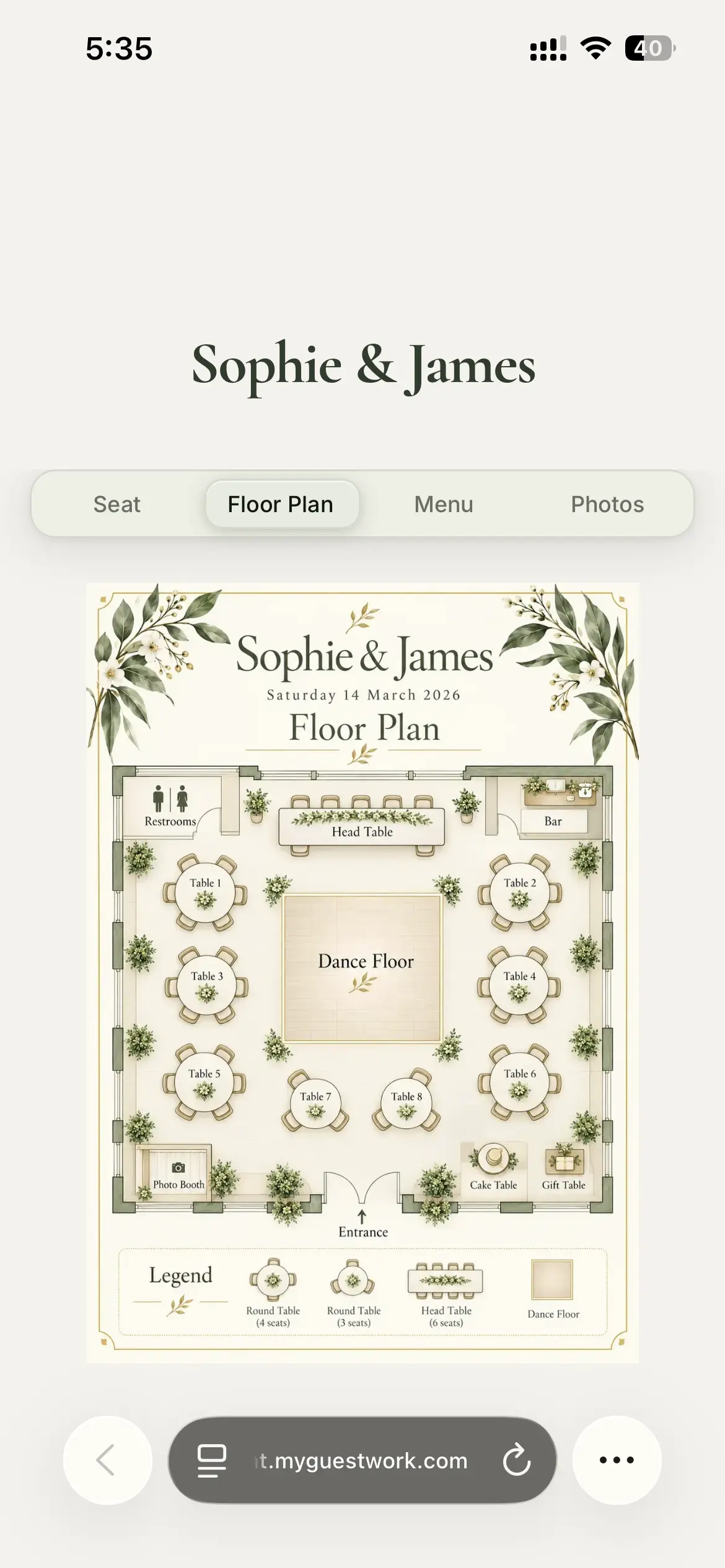
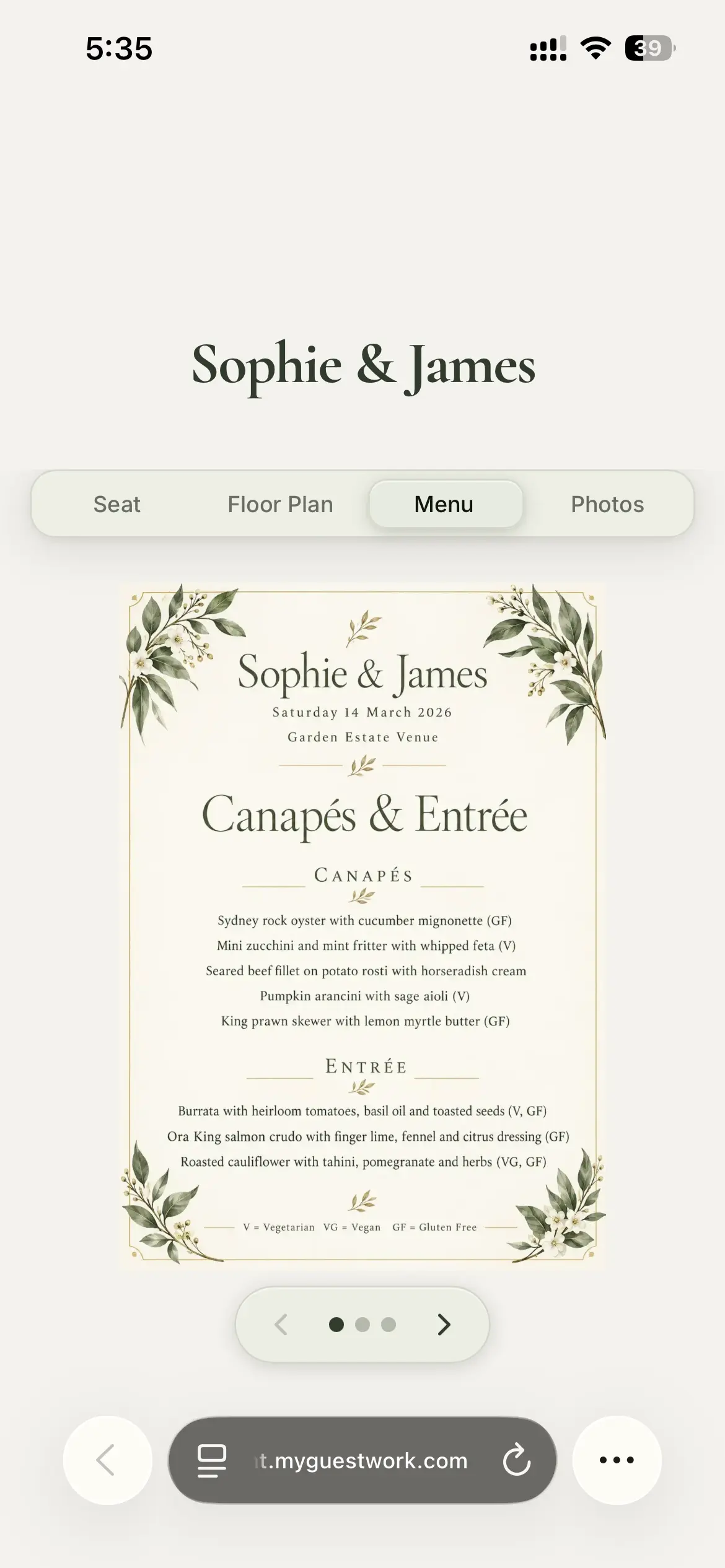
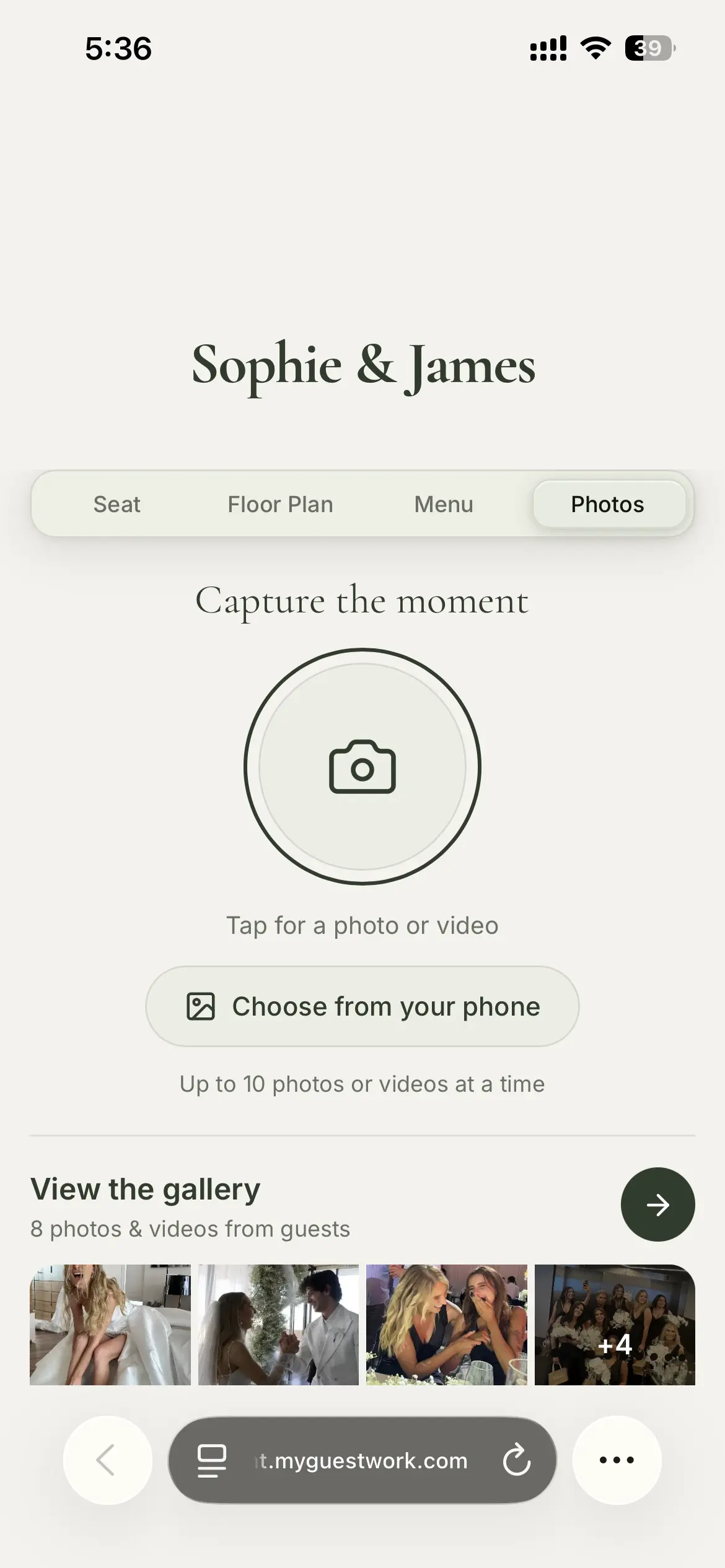
The same code that finds a table can carry the rest of the day. Add your menu so guests can read the courses before service starts. Add a floor plan so they can find the bar, the bathrooms, and the way out to the garden. Turn on photo uploads on supported plans and guests send their candids straight from the reception, ready for you to download afterwards. Some couples add a short note about timings, taxis home, or the next-day brunch.
So guests scan one code when they arrive and keep coming back to it through the night, rather than hunting for a separate card for the menu, another for the plan, and another for everything else.
Frequently Asked Questions
Yes. Every plan includes a Wedding theme for your live site, and Pro lets you set your own colours and fonts and brand the QR code itself. Add your names and a photo, and both the printed sign and your live site match the rest of your wedding styling. It is meant to look like part of the day, not a generic webpage.
That is the main reason couples use a QR code. When someone replies after the deadline, drops out, or brings a different plus-one, you move them in MyGuestWork from your phone or a computer, and guests see the new table the next time they scan. You can do it on the wedding day itself, and the printed sign at the door never has to be reprinted.
No. The same QR code keeps working no matter how many times you move guests around, so the sign and any place cards never need reprinting for a seating change. The only time you would need a new code is if you change your subdomain or the page link itself, which is separate from moving a guest between tables.
Most do. Scanning is just pointing a phone camera and tapping the link that appears, with no app to download. For any guest who would rather not scan, a couple of printed copies of the seating list near the entrance covers them, while the QR code keeps the queue moving for everyone else.
Yes. The same code can show the seating, your wedding menu, a floor plan, and guest information, and on supported plans it can collect photo uploads from guests. They scan one code when they arrive and use it all night.
You can build it as soon as you start assigning tables, then keep editing as RSVPs come in. Because the page is live, there is no cut-off where the plan is locked. Many couples set it up a few weeks out and make their final changes in the last few days before the wedding.
More questions? Contact us
Create Your Wedding Seating Chart QR Code
Upload your guest list, assign tables, style your wedding page, and give guests one QR code to scan on the day.