Event Seating Chart Software for Planners, Venues and Teams
Upload your guest list, assign tables, generate a QR code, and let guests find their table in seconds from their phone. No app required. Update anytime. Free covers your first event for up to 50 guests; Premium and Event Bundles have unlimited guests.
What event seating chart software does
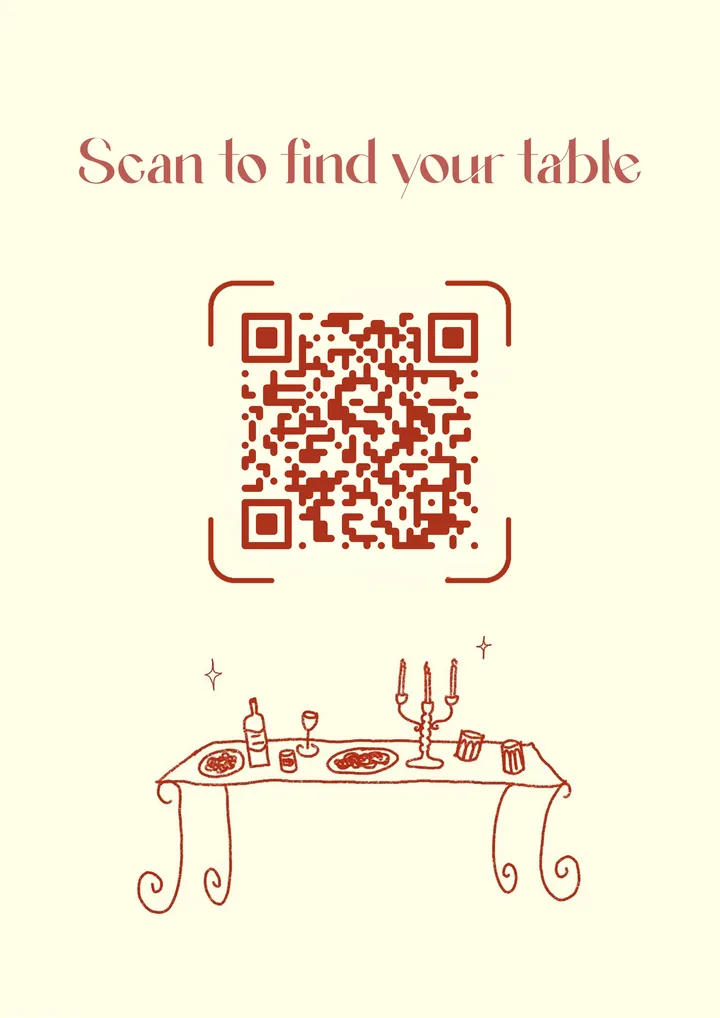
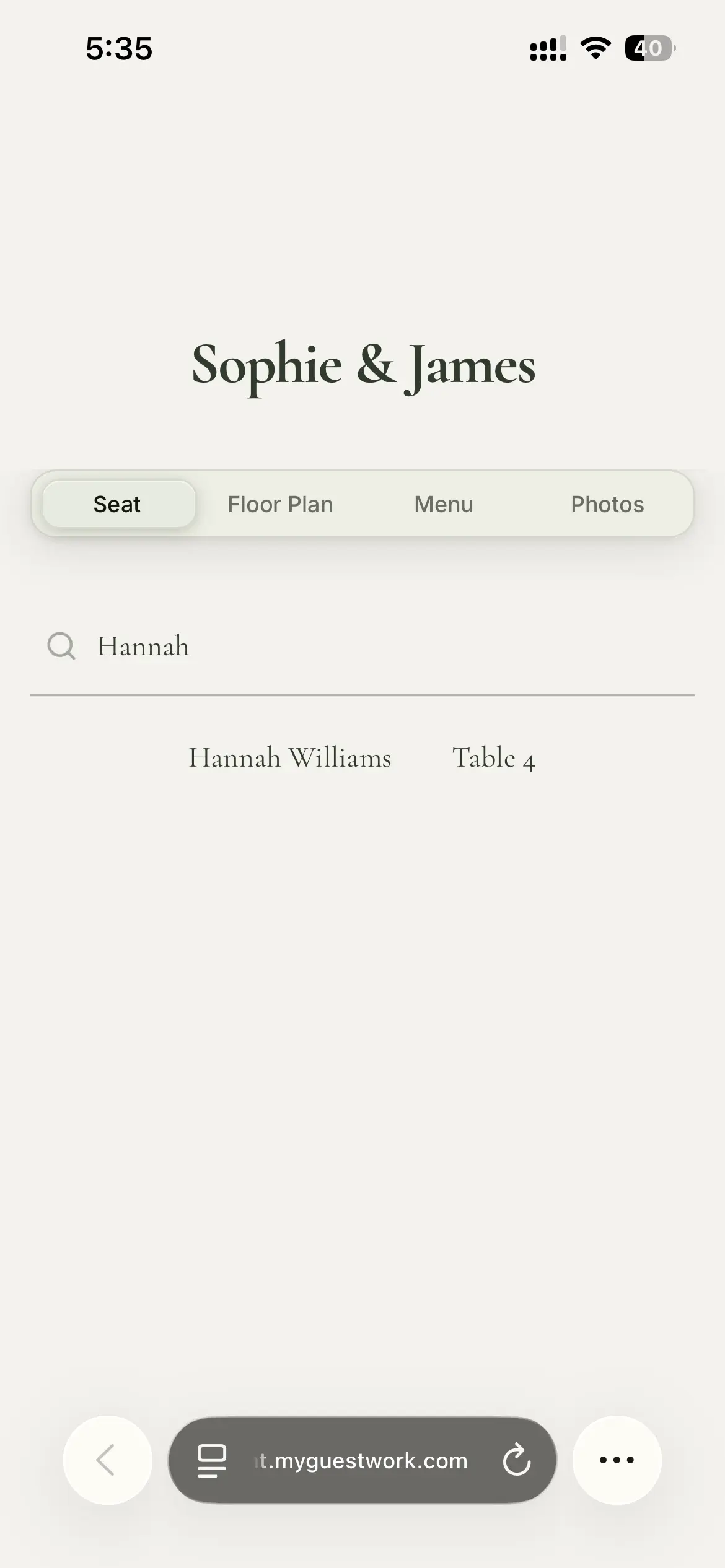
Event seating chart software keeps your guest list and table plan in one place and gets each guest to their table. With MyGuestWork, organisers upload their guest list, assign guests to tables and generate a QR code. Guests scan the code at the event, type their name and find their table in seconds.
It is designed for event planners, wedding planners, venues, conference organisers, and corporate event teams who run seated events with assigned seating.
Built for every type of seated event
Weddings
Couples and wedding planners use MyGuestWork to replace printed seating boards and let guests find their table on their own phone.
Event venues
Venues use the software to manage assigned seating for every seated event they host, without printing a new seating plan each time.
Corporate dinners
Corporate event teams use MyGuestWork to manage large guest lists and assigned seating for company events and gala dinners.
Conferences
Conference organisers use QR code seating charts to send attendees to their assigned tables at large events. A programme that runs over several sessions or days can seat each session separately from one guest list.
Award nights and galas
Award ceremony and gala organisers use the software to cut entrance queues and keep seating simple at formal events. How it works for awards nights.
Wedding and event planners
Professional planners manage seating for multiple clients and events from a single MyGuestWork account.
Seating software for awards nights and galas
At an awards night, guests arrive together and a printed seating board turns into a queue. With MyGuestWork each guest scans one QR code at the door, types their name and walks to their table.
- Sponsor tables named your way. A table can be "Harbour Bank" instead of "Table 12", and the word "Table" can become anything you like, such as "Booth".
- Late swaps go live. Move a guest on the afternoon of the event and the page shows their new table the next time they look, with nothing to reprint.
- The night's details in one place. On Pro the menu and floor plan sit on the same page as the seating, and Premium adds the run sheet and a venue map.
It seats guests at tables rather than in numbered seats, and it doesn't sell tickets. Most galas have more than 150 guests, so they run on Premium, which has unlimited guests, or on Event Bundles if you run several events.
How the software works
Upload your guest list
Import a spreadsheet or add guests manually. Assign each guest to a table.
Customise your event page
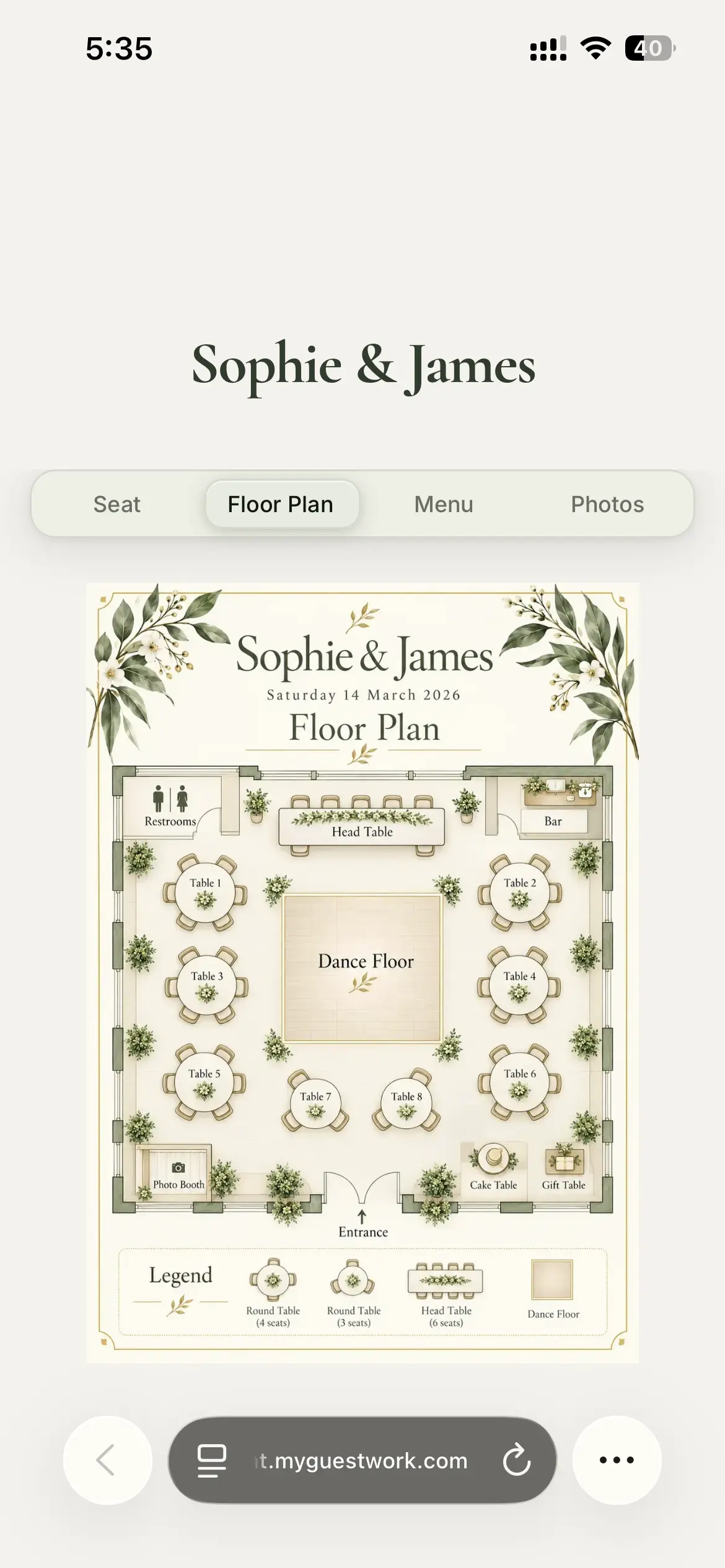
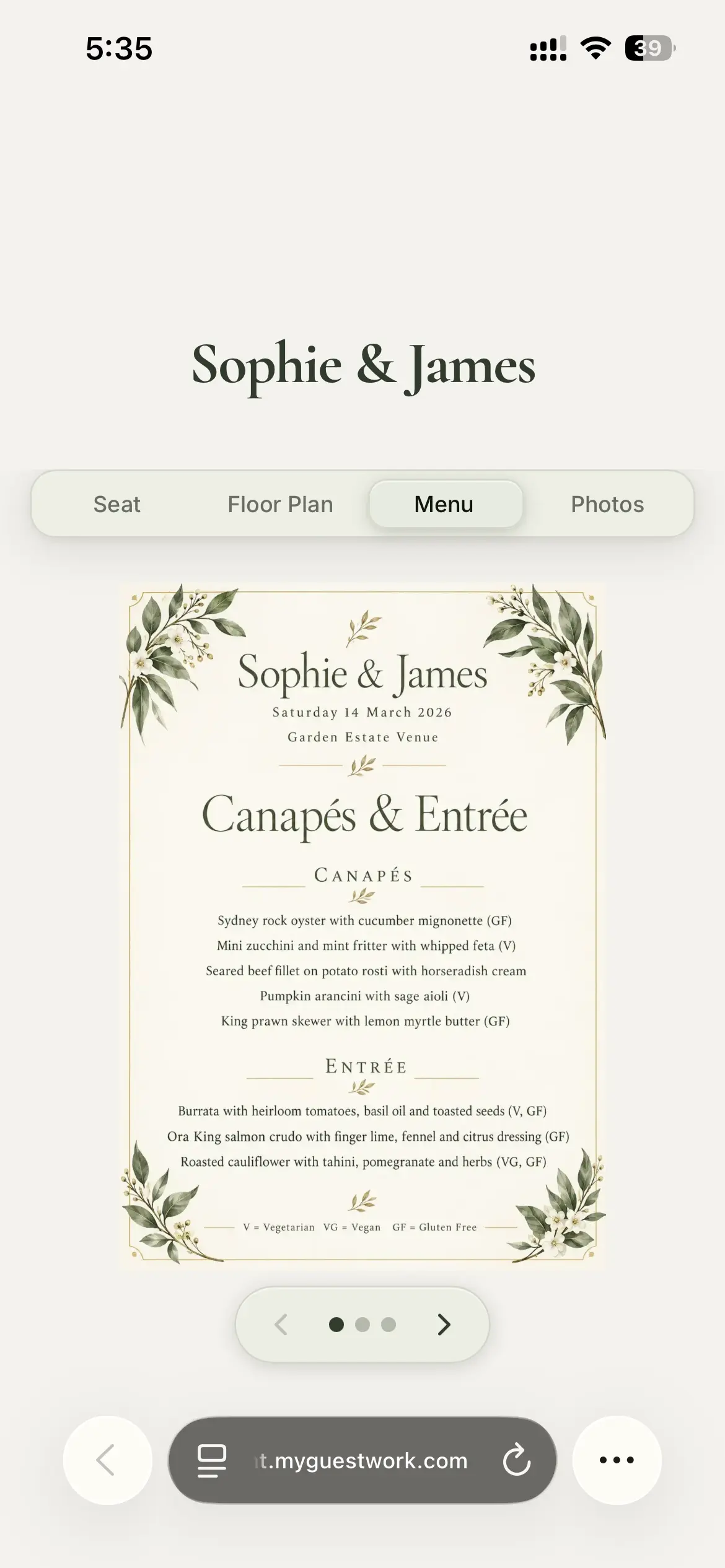
Add your event name and pick a theme. Pro adds your own colours, fonts, menus and a floor plan, and Premium puts your logo on your live site.
Display the QR code at the event
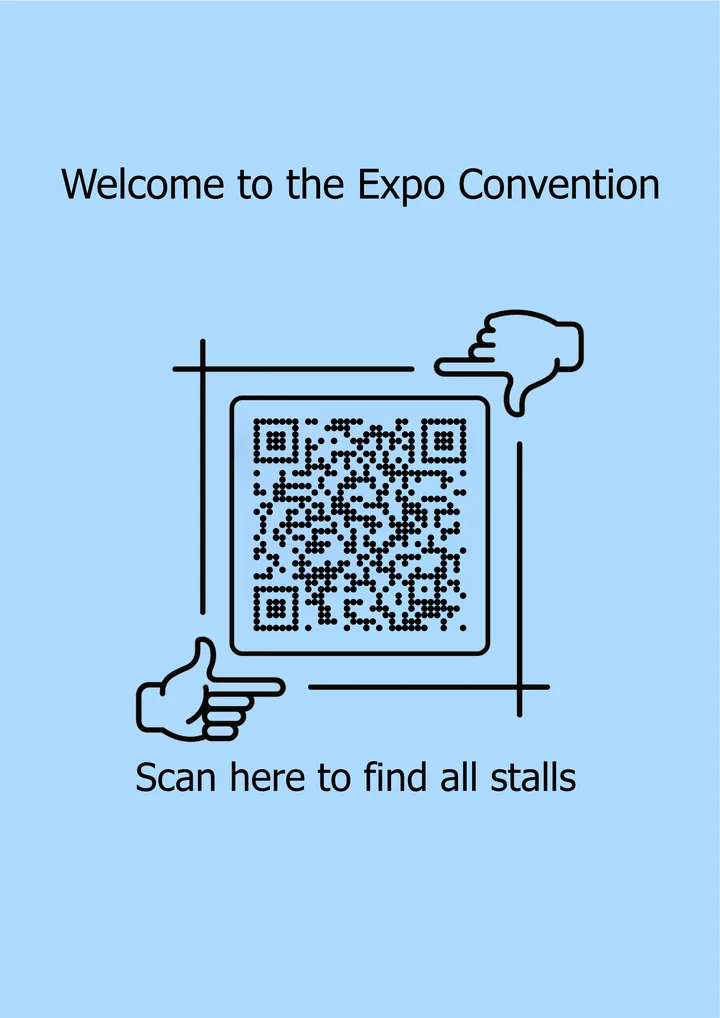
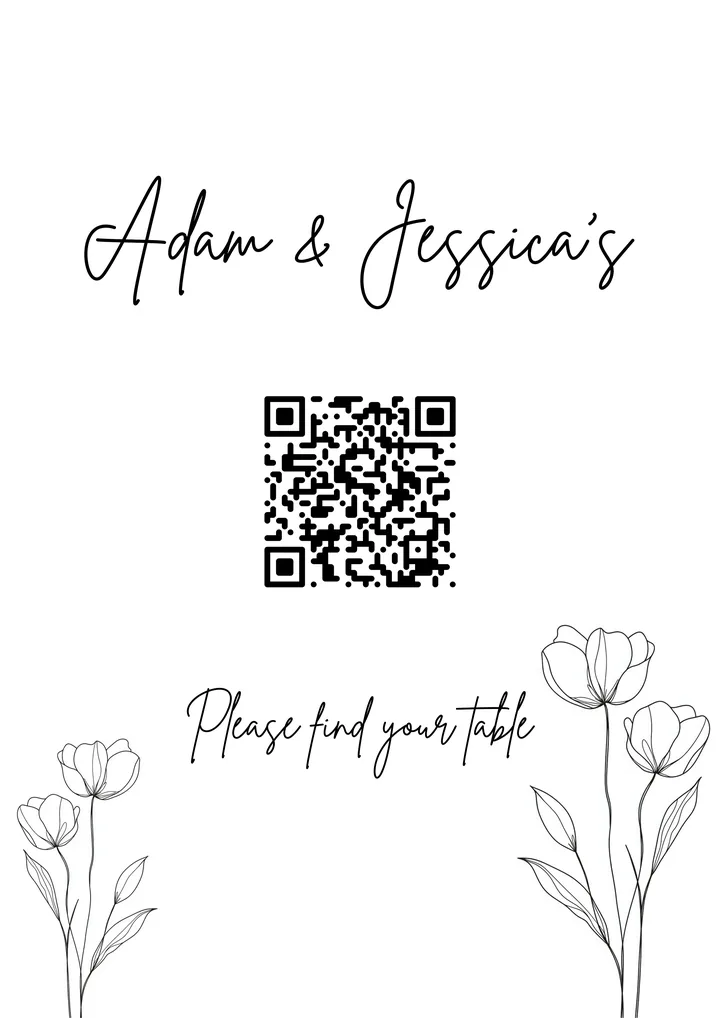
Download your QR code and display it at the entrance. Use the free printable templates or design your own signage.
Guests scan and find their table
Guests scan the QR code, type their name, and see their table in seconds. No app required.
What MyGuestWork does for seated events
Guest list upload and management
Upload a spreadsheet or add guests manually. Update the guest list at any time before the event.
Table assignment
Assign guests to specific tables. Reassign at any time, and guests see the change the next time they scan.
Custom QR code and branded guest page
Generate a QR code linked to your live site. Start from a theme, then on Pro brand the QR code and style the site to match your event or organisation.
Fast name search
Guests type a few letters and their table appears.
Menus and floor plans
Add your event menu and venue floor plan so guests can open them from the same page (menu and floor plan on Pro, schedule and map on Premium).
Your word for a table
Call them booths at a trade show, rooms at a retreat or sections in a hall. Guests see your word, and a spreadsheet column with that name imports straight in. A prefix switch shows a plain "12" as "Booth 12" without changing your data.
Table capacity
Set how many each table seats and see at a glance which are full or over. Empty tables show up before anyone is seated, so you can plan the room first.
An information page without seating
Running a stand-up event or open seating? Turn off seat lookup and the guest page shows your schedule, map and menu instead.
Multi-event account management
Run several events from one account. Planners and venues running many events use Event Bundles for planners and venues: 3, 10 or 20 events, paid once, that never expire.
Frequently asked questions
Event seating chart software lets organisers manage assigned seating for events digitally. Organisers upload a guest list, assign guests to tables, and generate a QR code that guests scan to find their table. MyGuestWork is event seating chart software designed for weddings, venues, corporate events, conferences, and private events.
Yes. Upload your full guest list from a spreadsheet and manage table assignments from one dashboard. Free covers your first event for up to 50 guests and Pro covers 150. Premium and Event Bundles have unlimited guests.
Yes. MyGuestWork works for any seated event with assigned seating, including corporate dinners, conferences, award nights, and galas. The branded guest-facing page can be customised to match your organisation or event.
The main benefit is no queue at a printed seating board: each guest scans one QR code at the door, types their name and sees their table on their phone. A table change on the afternoon of the event goes live with nothing to reprint, and sponsor tables can carry the sponsor's name instead of a number. On Pro the menu and floor plan sit on the same page, and Premium adds the run sheet and a venue map.
It should include a guest list you can import from a spreadsheet, tables with set capacities and your own names, and a page guests open from one QR code without an app. For a large gala, check it has no guest limit, and team access if several people run the event. MyGuestWork covers these, with unlimited guests on Premium and Event Bundles and Owner, Admin and Member roles on Event Bundles. It seats guests at tables rather than in numbered seats, and it doesn't sell tickets or check guests in.
No. Guests only need a basic mobile data connection to scan the QR code and look up their table. No venue Wi-Fi is required.
Yes. You can run several events from one account, each on its own plan. Planners, venues and event teams who run many events use Event Bundles: 3, 10 or 20 events, paid once, that never expire, and every event gets everything in Premium.
More questions? Contact us
Start using MyGuestWork for your events
Upload your guest list, assign tables, and give guests a QR code to find their table in seconds. Simple to set up, easy to update.