
How it works
From setup to
seated in seconds
Upload your guest list, assign tables, and share one QR code. Guests scan, search their name, and find their seat. No app required.
For organisers
Set up in five steps
-
Create your event
Give it a name and date. Your live guest site and QR code are generated straight away. Nothing to configure.
-
Upload your guest list
Import a CSV or add guests manually. No complex formatting. Just names and table numbers.
-
Assign tables
Assign guests to tables individually or in bulk. Move anyone at any time before the event.
-
Customise the guest view
Set colours, fonts, and style the page to match your event. Add a menu, floor plan, or event details where needed.
-
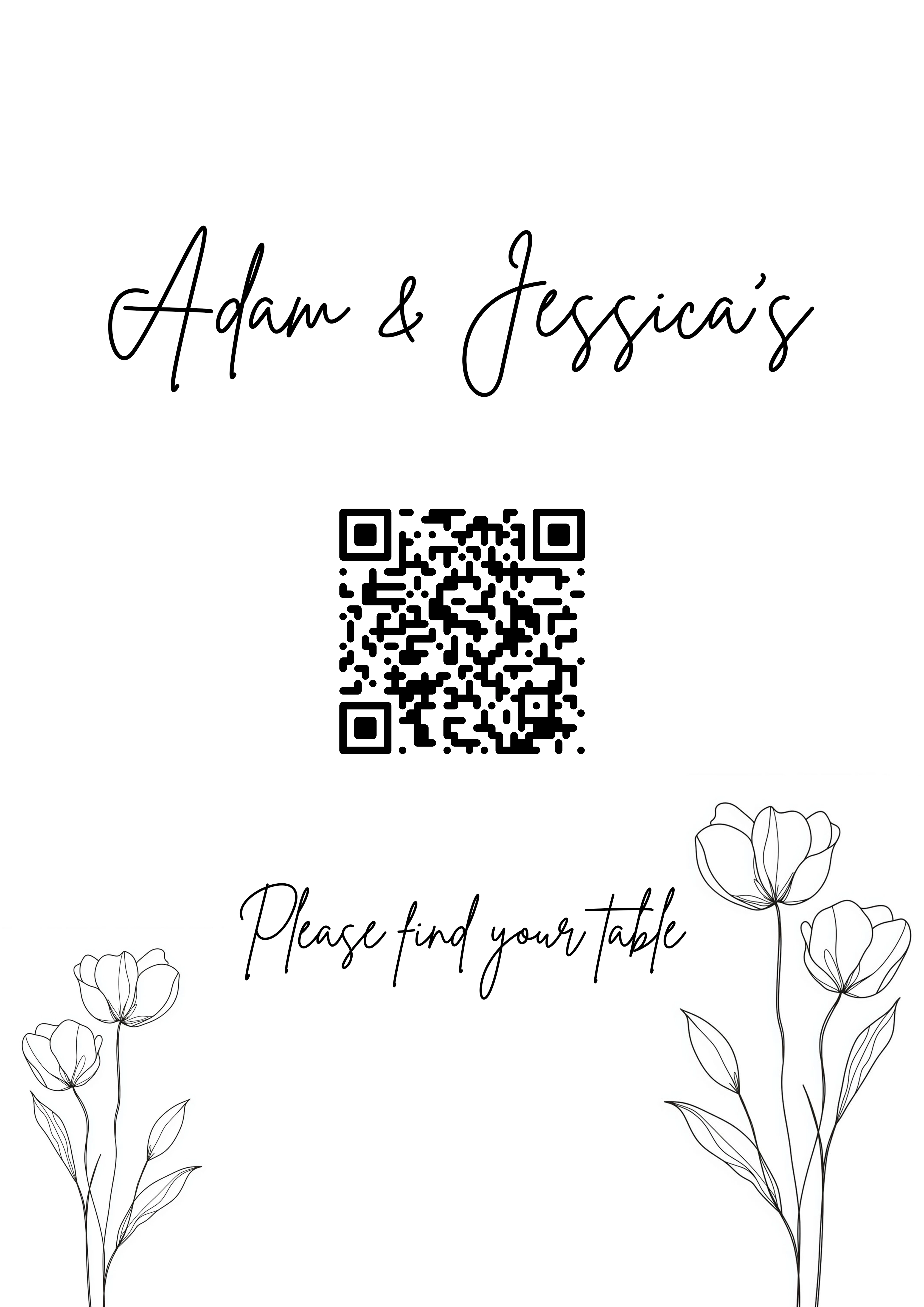
Share or display your QR code
Print it, frame it, or show it on a screen at the entrance. Guests scan and the rest is automatic.
Changes sync live: add, move, or remove guests right up to the moment doors open.
If you are running seating for a venue or an event series, the same five steps repeat for every event on the account.
Running a wedding weekend or a multi-session programme? Each day can have its own tables and its own seating, inside one event.
Sending the invitations too? You can collect RSVPs, dietary requirements and plus-ones in the same place. See how RSVP works →
Before the day
Sending the invitations as well?
You do not have to. Plenty of organisers arrive with a guest list already settled. But if you are still gathering replies, you can do it here rather than in a separate tool, and the answers land in the same guest list you seat from.
-
Digital invitations
Design it once, send it to everyone
Design your invitation and send it to your list. Every guest gets their own personal RSVP link, created automatically the moment you add them. There is nothing to generate and nothing to set up.
-
One link per household
One reply covers the whole party
A guest can answer for everyone on their invitation, or just for themselves and come back for the rest later. Plans change, and that is fine. The link stays live and their previous answers are already filled in.
-
Dietary requirements
Collected for every person, not just the headline guest
Set your own list of options. Each guest and each named plus-one answers for themselves, so you can hand the caterer something real instead of a half-finished spreadsheet.
-
Printed invitations too
A QR code for the paper invites
Sending some invitations the traditional way? Add a printable QR code to them. Guests scan, find their invitation by name, and reply on the same page. Nobody can browse your guest list to do it.
-
Still waiting on replies
Chase the stragglers in one click
Send a reminder to everyone who has not answered yet. Set a reply-by date and guests can still send their apologies after it passes, so a late no never gets lost.
Some features vary by plan. Compare plans for details →
On the day
Guests find their seat in seconds
- 1
Guest arrives
They see the QR code displayed at the venue entrance.
- 2
Scans with their camera
No app download needed. Works on any iPhone or Android phone.
- 3
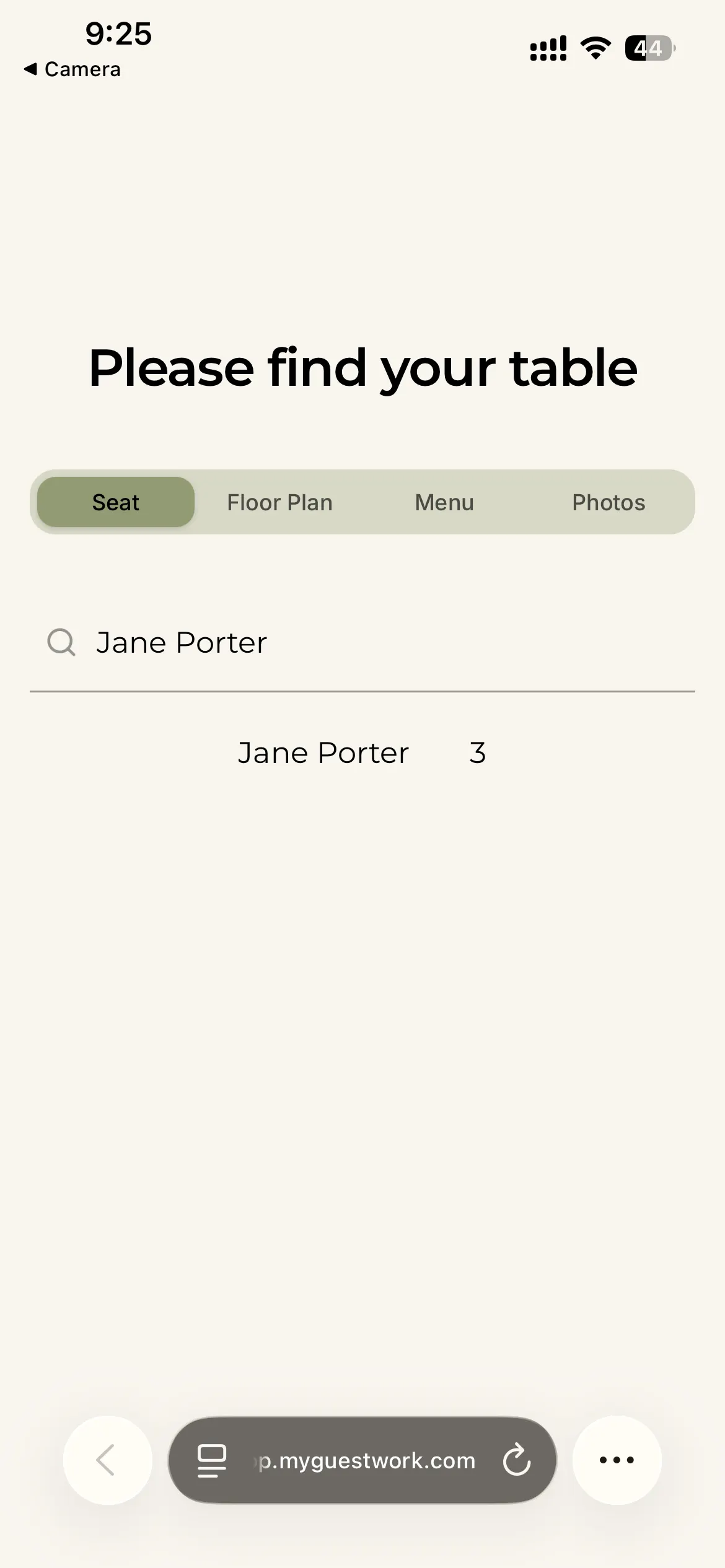
Searches their name
Your branded guest page opens instantly. They type their name.
- 4
Finds their table
Their table number appears clearly on screen. No waiting, no queuing.
- 5
Views event details
Menu, floor plan, and more, all on the same page where enabled.
Live guest view
What guests can see
Everything a guest needs, accessible from one QR code.
Guest page
A live event page from the QR code
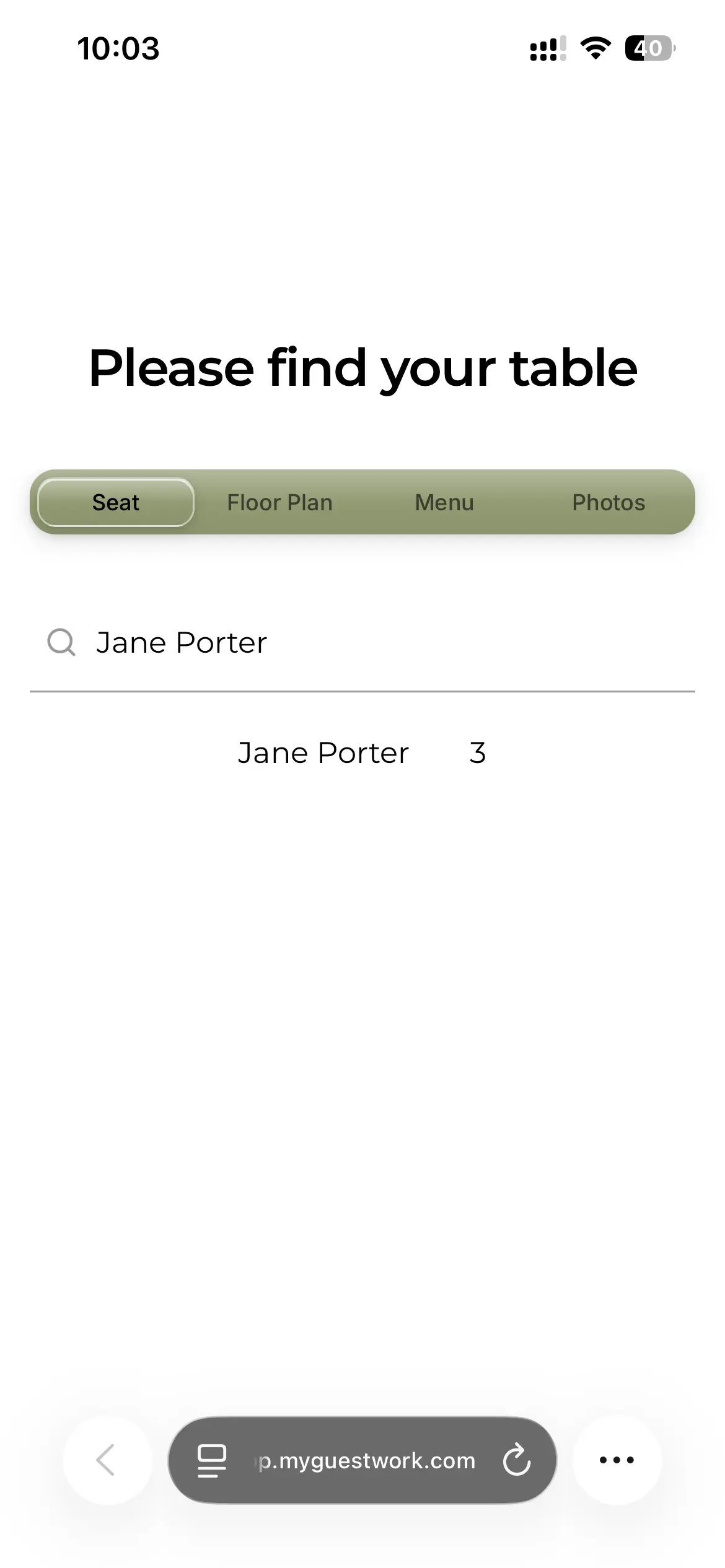
Guests access a branded event page the moment they scan. They search their name and find their table in seconds. No account, no download, no friction.
Floor plan
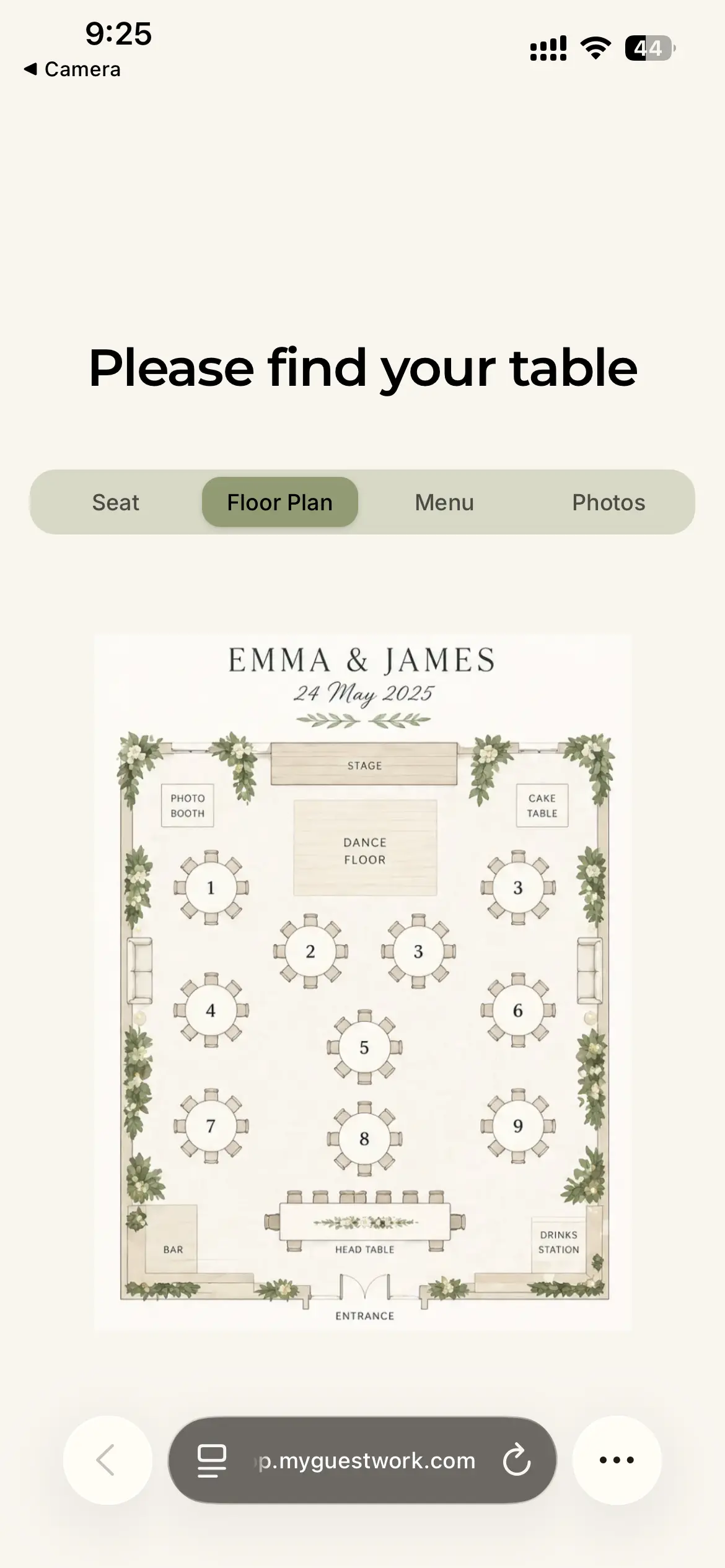
The venue layout, in their pocket
Upload a floor plan and guests can view the venue layout on their phone. Useful for larger spaces where finding a table isn't obvious, so guests can navigate with confidence.
Menu
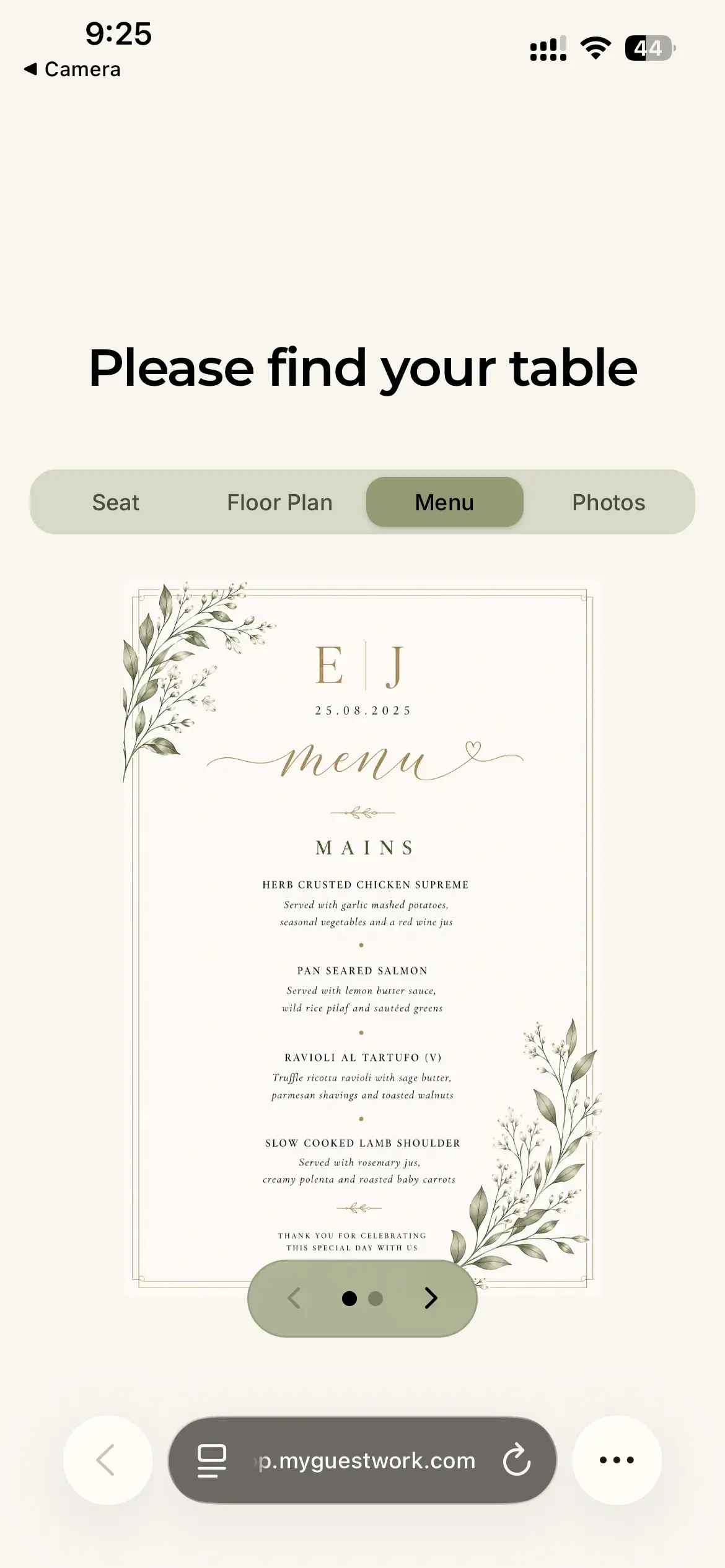
The event menu, always to hand
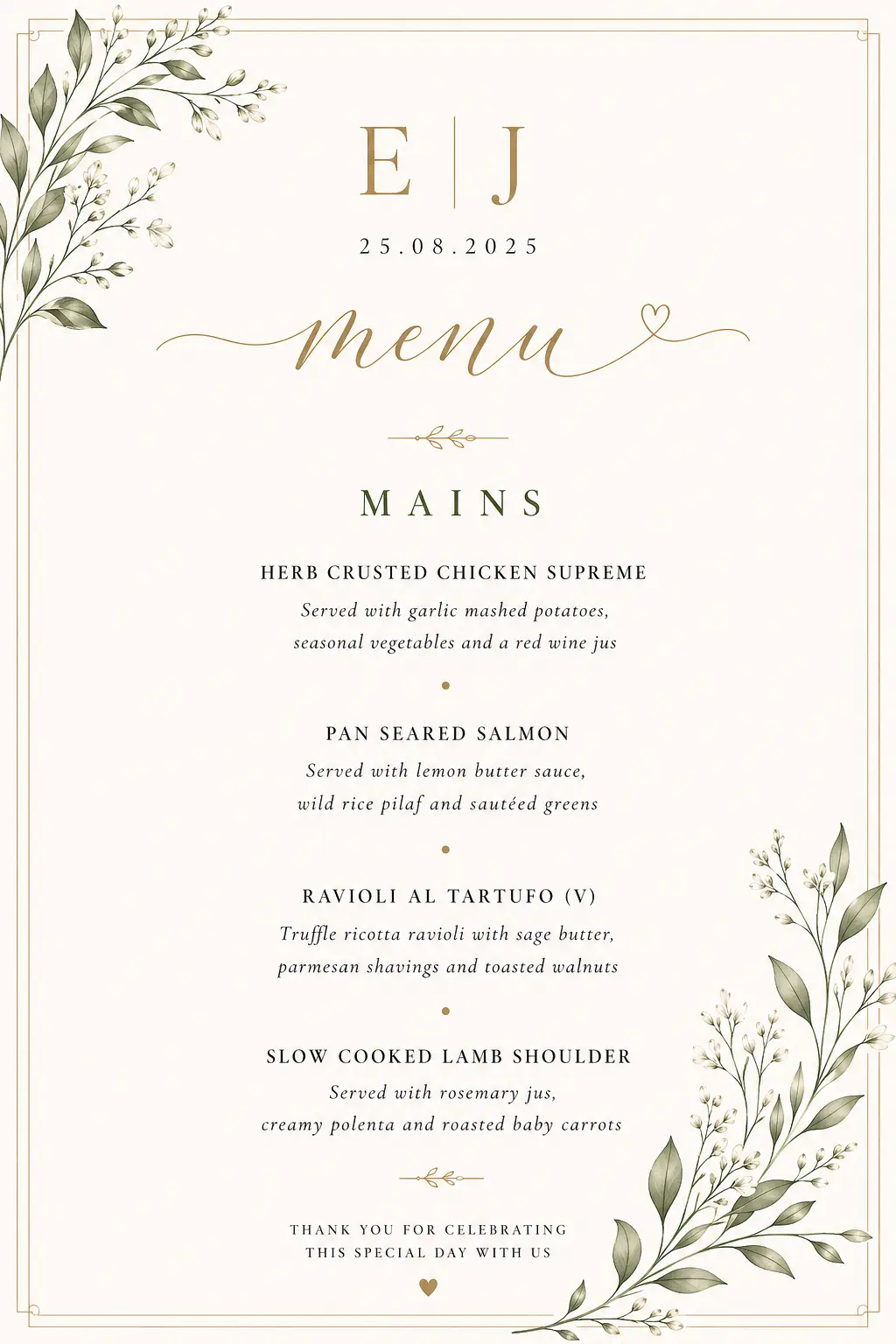
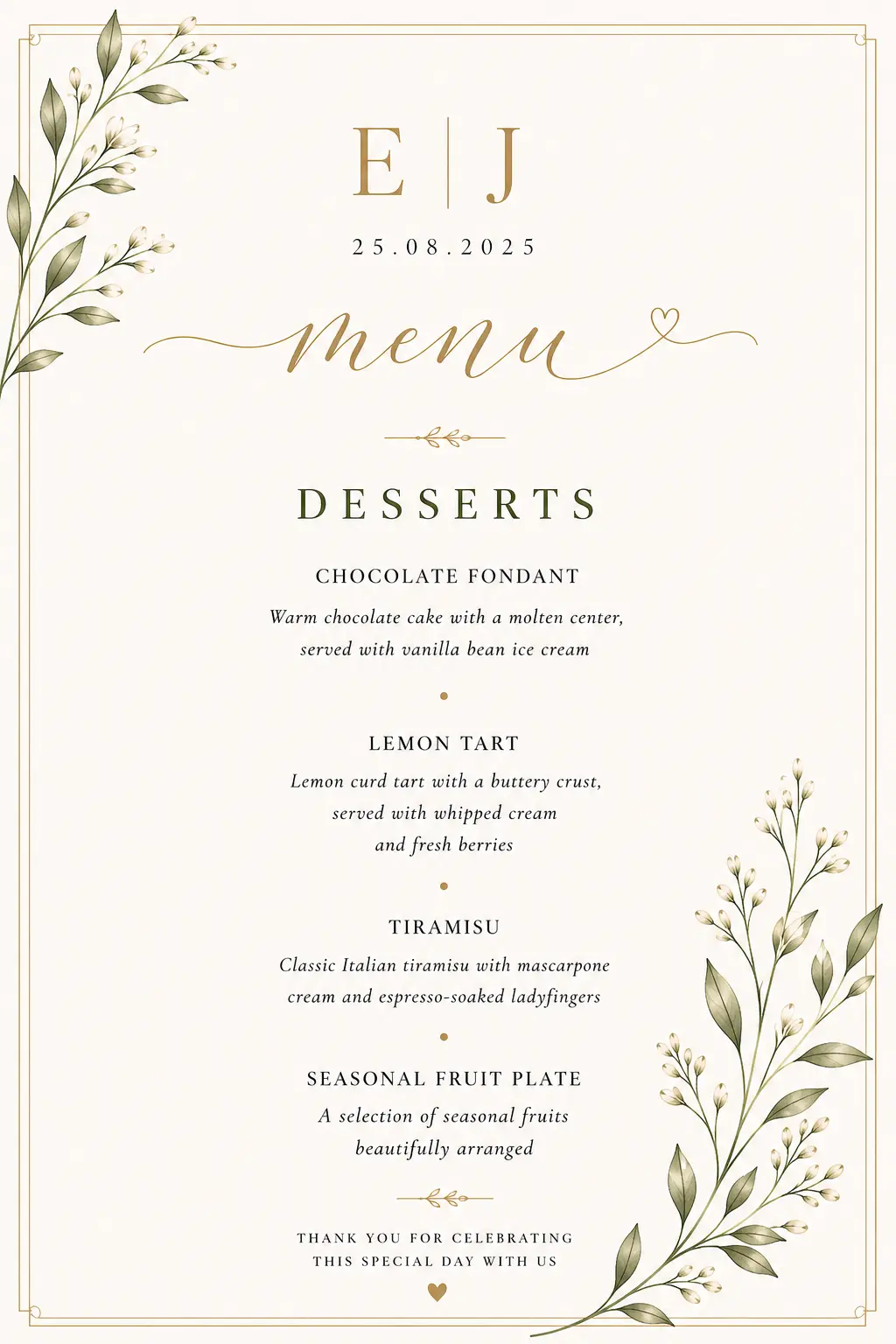
Upload your event menu and it appears directly on the guest page. Guests can check their choices any time, useful for both seated dinners and standing receptions.
Photo & video uploads
Capture the day together
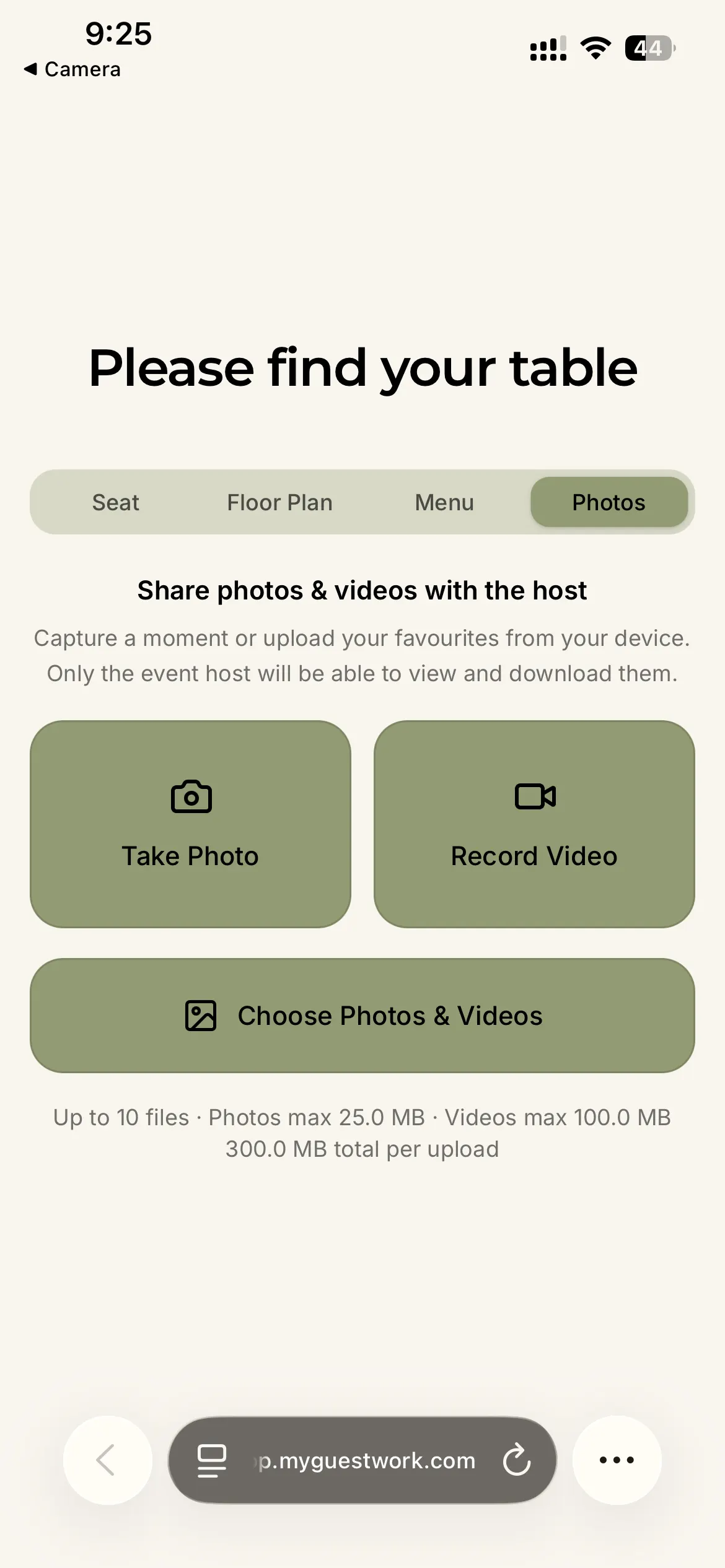
Where enabled, guests can upload photos and videos directly from the event page. A simple way to gather candid moments without chasing anyone for their camera roll afterwards.
Customisability
Styled to match your event
The guest view can be customised to reflect your event theme, from colours and fonts to a full background. Make the experience feel like part of the event, not an afterthought.
Some features vary by plan. Compare plans for details →
Why it helps
-
Fewer queues at the entrance
Guests check themselves in from their phone. No crowding around a printed board or waiting for staff to find their name.
-
Live updates before the event
Add a guest, move a table, or fix a name. Changes go live instantly, no reprint needed.
-
Works on any phone
No app to download, no account to create. Guests scan with their camera and the page opens straight away.
-
No app download for guests
The guest experience is entirely web-based. Nothing to install, nothing to sign up for. Just a camera scan.
-
A more polished guest experience
A clean, branded seating page reflects well on the event. Small details matter, especially for weddings and formal occasions.
Get started
Set up your event in minutes
Create your event, upload your guests, and share one QR code. Free to get started.