
Digital invitations with the RSVP built in
Design an invitation from one of 75 templates for weddings, multi-day weddings, birthdays, anniversaries and business events, or upload one you already have. Then send it by email or WhatsApp with each guest's RSVP built in. Digital invitations come with online RSVP on Premium and Event Bundles.
Premium Included with RSVP and invitations on Premium and Event Bundles. Compare plans
- Upload your ownYour own design · JPEG or PNG
-
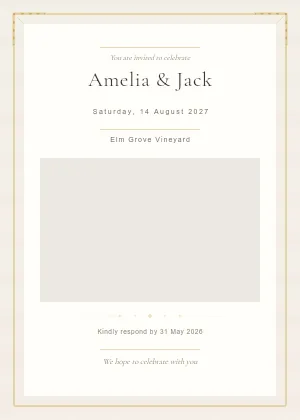 Classic Ivory WeddingWedding · wedding
 -
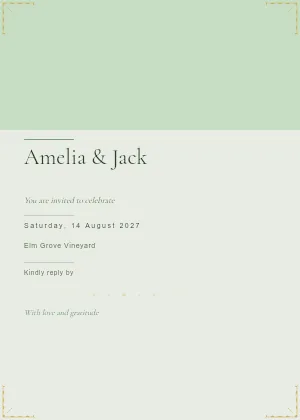 Botanical GardenWedding · wedding
 -
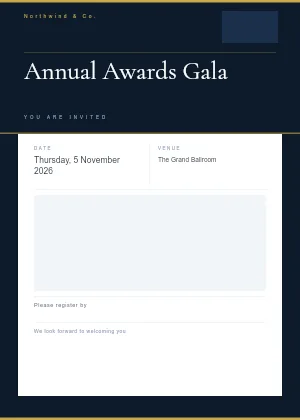 Modern CorporateBusiness / Corporate · corporate
 -
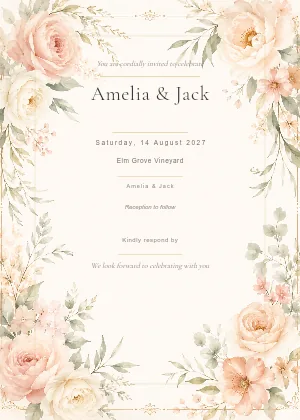 Classic Floral WeddingWedding · wedding
 -
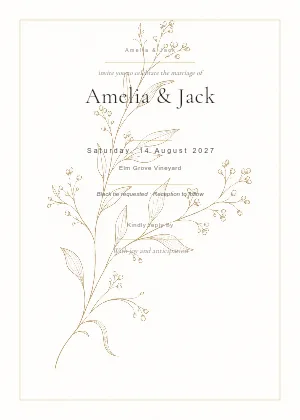 Minimal Botanical WeddingWedding · wedding
 -
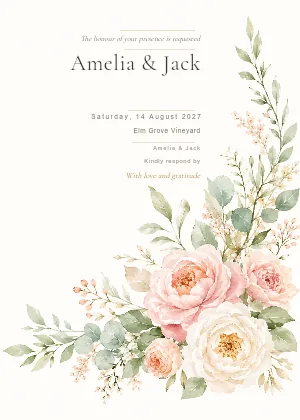 Romantic Floral CornerWedding · wedding
 -
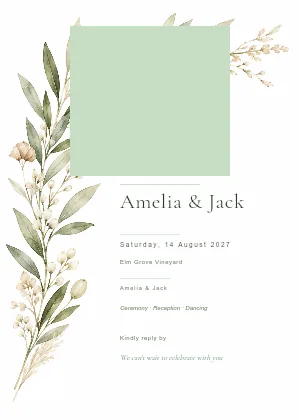 Photo Botanical WeddingWedding · wedding
 -
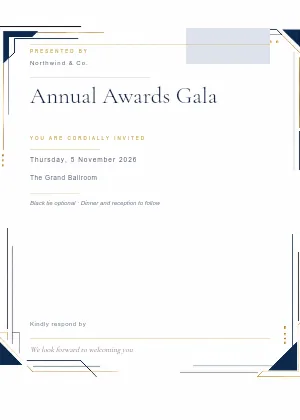 Executive EditorialBusiness / Corporate · corporate
 -
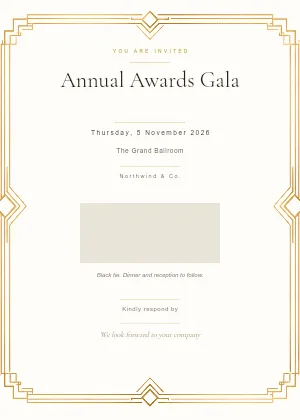 Art Deco GalaBusiness / Corporate · corporate
 -
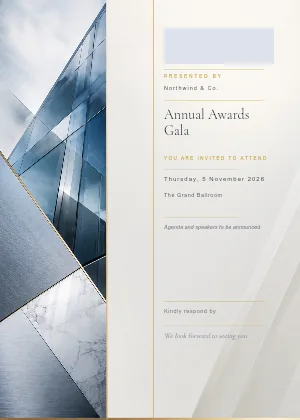 Modern Corporate GridBusiness / Corporate · corporate
 -
 Minimal ProfessionalBusiness / Corporate · corporate
 -
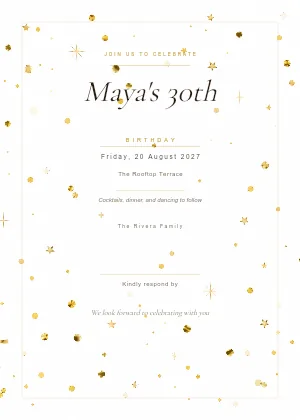 Golden ConfettiBirthday · birthday
 -
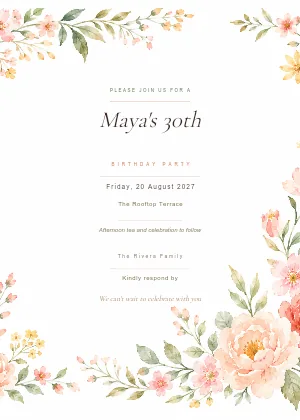 Pastel Floral BirthdayBirthday · birthday
 -
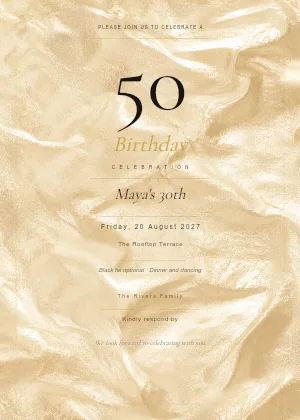 Golden MilestoneBirthday · birthday
 -
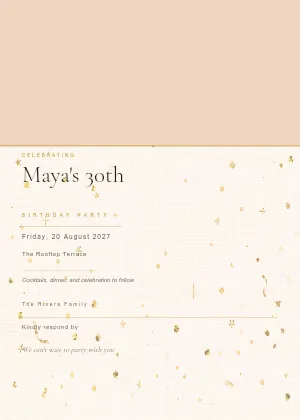 Modern Photo PartyBirthday · birthday
 -
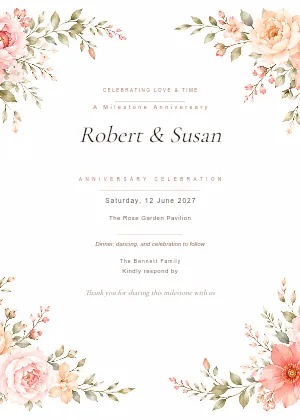 Classic Floral AnniversaryAnniversary · anniversary
 -
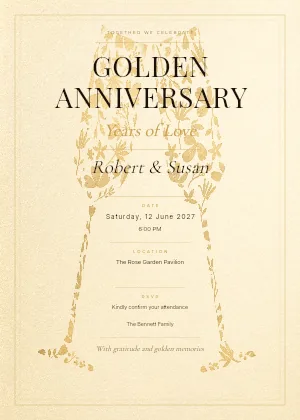 Golden Milestone AnniversaryAnniversary · anniversary
 -
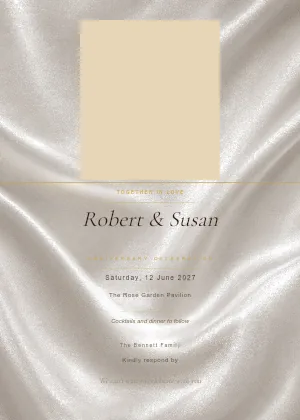 Photo Anniversary CelebrationAnniversary · anniversary
 -
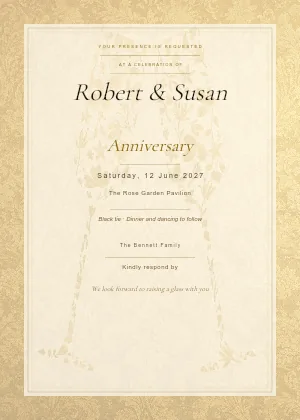 Elegant Toast AnniversaryAnniversary · anniversary
 -
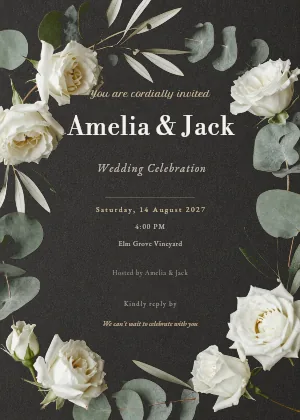 Dark Floral AtelierWedding · wedding
 -
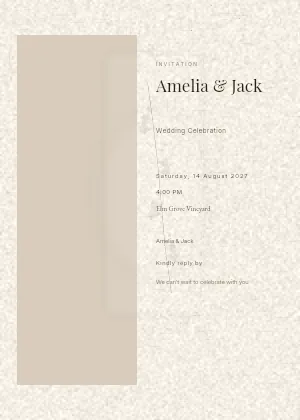 Gallery Vellum PortraitWedding · wedding
 -
 Luxury Brand SalonBusiness / Corporate · business
 -
 Architectural KeynoteBusiness / Corporate · business
 -
 Product Launch EditorialBusiness / Corporate · business
 -
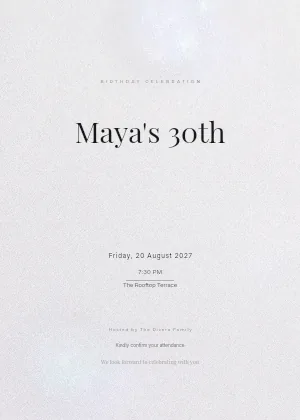 Disco PearlBirthday · birthday
 -
 Retro Cocktail HourBirthday · birthday
 -
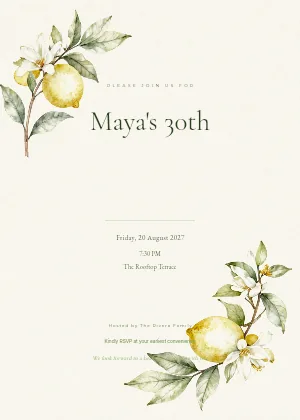 Garden Birthday BrunchBirthday · birthday
 -
 Milestone NoirBirthday · birthday
 -
 Modern Romance AnniversaryAnniversary · anniversary
 -
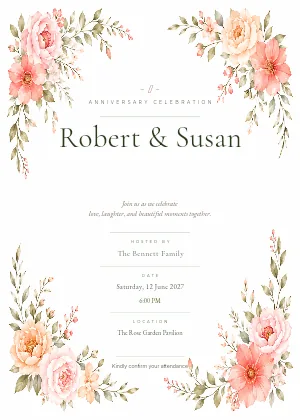 Garden Anniversary CelebrationAnniversary · anniversary
 -
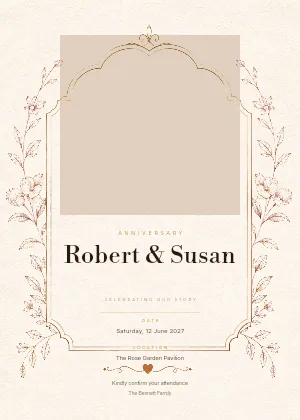 Photo Memory Frame AnniversaryAnniversary · anniversary
 -
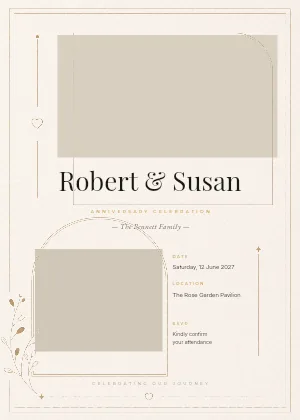 Dual Photo Story AnniversaryAnniversary · anniversary
 -
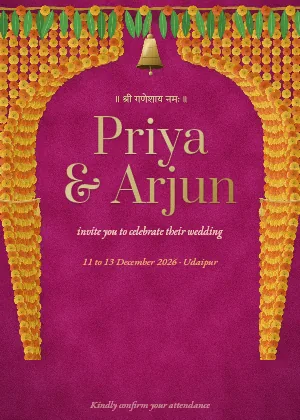 Marigold CurtainMulti-day wedding · wedding
 -
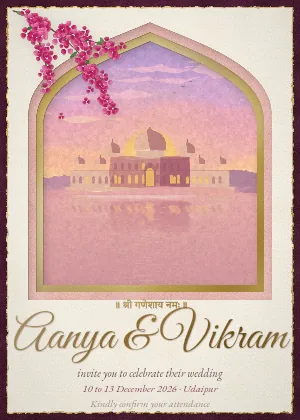 Palace at DuskMulti-day wedding · wedding
 -
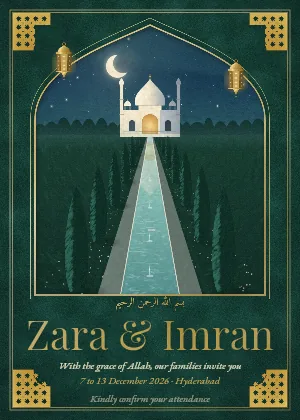 Lantern GardenMulti-day wedding · wedding
 -
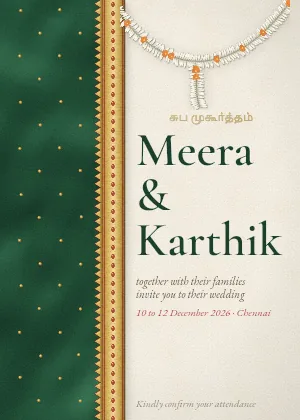 Silk and JasmineMulti-day wedding · wedding
 -
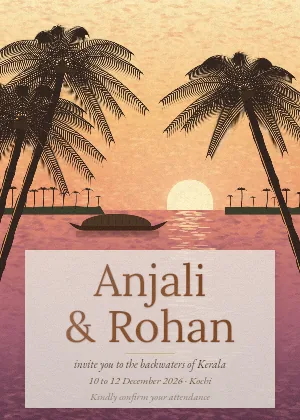 Backwaters Golden HourMulti-day wedding · wedding
 -
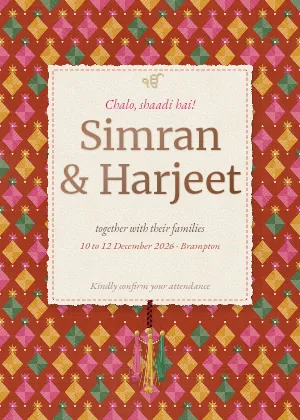 Phulkari PartyMulti-day wedding · wedding
 -
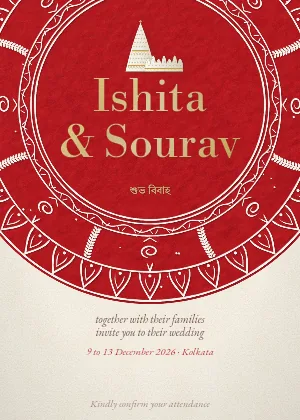 Alpona and SholaMulti-day wedding · wedding
 -
 Bandhani GarbaMulti-day wedding · wedding
This is the app's own template gallery, with its real designs. There are 75: twenty-two for weddings, sixteen for multi-day weddings, seventeen for birthdays, twelve for business and corporate events and eight for anniversaries, so a three-day Indian wedding, a 30th or a product launch starts from something that already suits it. Upload your own comes first, for an invitation you already have. The first eight of each set are shown here.
One design, four ways to send it
Your message above the invitation, your names and their days written out under it, then the button to their own RSVP.
One tap opens your WhatsApp with the message and their personal link written. See WhatsApp invitations.
One link for a group chat of people not on your list yet; each person replies with their own name. See shareable RSVP links.
Have your paper invitations printed and add an RSVP QR code. Guests scan it and find their invitation by name.
By email. Your message above the invitation, your names and their days written out under it, then the button to their own RSVP.
On WhatsApp. One tap opens your WhatsApp with the message and their personal link written. See WhatsApp invitations.
By shareable link. One link for a group chat of people not on your list yet; each person replies with their own name. See shareable RSVP links.
On paper. Have your own invitations printed and add an RSVP QR code. Guests scan it and find their invitation by name.
Sophie & James
RSVP
Enter your name exactly as it appears on your invitation.
Having trouble? Check the spelling, or contact the event organiser.
We use the name and email you enter only to find your invitation. Privacy policy
The replies land in one place. Online RSVP covers what guests fill in: attendance, dietary needs and plus-ones, and a yes or no for each function on an Indian wedding e-invite for the mehendi, sangeet and wedding.
How to design and send a digital invitation
-
Pick a design, or upload your own
Browse wedding, multi-day wedding, birthday, anniversary or business designs, or search. Your event name, date, time and place are filled in for you. Already have an invitation? Upload it as an image instead.
-
Make it yours
Click any text on the invitation to rewrite and restyle it, put your own photos into designs that have photo spaces, and add a wax seal or a patterned background if you like.
-
Write the email around it
Set the sender name, the subject line and the messages above the invitation and below the RSVP button. The subject line and both messages can include the guest's first name, so Sam's email says "Sam, you're invited" and Priya's says "Priya, you're invited", from one message.
-
Send yourself a test
Preview the email as any invitation on your list, then send a test copy to your own inbox.
-
Send the invitation
Email your whole list in one go, send it on WhatsApp one guest at a time, or share a link. The replies come back to your guest list.
Start from a design, not a blank page
Pick a template, change the words, fonts, colours and photos, and see it as each guest will before anything is sent.
Changing the invitation design
Rewrite, restyle, move and resize anything a design comes with.
Words and fonts
Set the font, size, colour, bold, italic, alignment, letter spacing and line height of any text. Pick from 20 fonts or upload your own .woff2 or .ttf file up to 2 MB. Some designs set the names in foil, which you can switch off for a flat colour.
Photos and decorations
Designs with photo spaces take your own JPEG, PNG or WebP images up to 8 MB each, and you can adjust how they fit. Any design can take a gold or red wax seal, or a zellige or bandhani pattern behind it.
Event details from a menu
Drop your event name, date, time, location or host name into any line of text instead of typing them out.
Saves as you go, on any screen
Undo and redo up to 50 steps, with no separate publish step. On a phone, tap Edit invitation to open the editor full screen. Uploading a font needs a bigger screen, such as a laptop.
Upload an invitation you already have
Had your invitation made by a designer, or made it yourself? Choose Upload your own, the first card in the gallery, and add it as a JPEG, PNG or WebP image up to 8 MB. It then goes out the same way as any design, by email, on WhatsApp or by link, with each guest's own RSVP.
- Shown whole. Your invitation is never cropped. A portrait 5 by 7 card at 1200 by 1680 pixels fills the frame edge to edge, and any other shape gets a margin in the colour of its own edge.
- The RSVP button stays clear of it. In the email and on the invitation page, the button sits under your invitation, not on top of it.
- Your names and days in the email. Under the image, the email writes out your names and the days that guest is invited to, so it still reads when their inbox blocks pictures.
- No PDFs. Made it in Canva or another design tool? Download it as a PNG or JPEG and upload that.
Upload your own invitation
Use a design you already have. It is shown whole on the card, never cropped: a portrait 5 by 7 (1200 x 1680 px) fills it edge to edge, and any other shape gets a margin in the colour of its own edge.
Preview the invitation email as each guest
Beside the editor, the email preview shows the whole invitation email as it will reach any invitation on your list: the sender, the subject, your message with their name in it, the design and the RSVP button. Change the invitation in "Preview as" to check another.
Preview as
Pick any invitation on your list to see the email exactly as it will reach them.
The sender and subject
Who it is from and the subject line, both yours to set.
Your message
The words above the invitation, with the guest's first name in it, or one greeting for a whole household.
The design
Your invitation, the same for every guest. Tapping it opens their RSVP too.
The RSVP button
It opens each guest's own RSVP. Its label is yours to change, and the invitation page uses the same label.
From Sophie & James
You're Invited to Sophie & James
Emily, we would love you to celebrate with us.
Sending, resending and reminders
"Send all ready" emails every guest who has an email address and has not been sent the invitation, so pressing it again never doubles up. It keeps going if you close the tab, and picks up where it stopped.
Each guest also has their own Send or Resend. Filters show who is ready, who still needs an email address, who has been sent it and whose send failed, so you can try those again.
Once you set a reply-by date, the email adds a "Please reply by" line. Reminders go by email to guests who were sent the invitation and have not answered, so guests you only reached on WhatsApp do not get one.
What the invitation maker does not do
It is not a blank canvas
You rewrite, restyle, move and resize what each design comes with. An invitation you upload is one image, so change its words where you made it and upload it again.
Guest names are not on the image
They go in the email. The invitation itself is the same for everyone.
We do not print or post anything
It is made for screens.
Ways to send your invitation and collect replies
WhatsApp invitations
Send each guest their invitation on WhatsApp in one tap, from your own WhatsApp. See who you have already opened it for, so you do not lose your place on a long list.
Invite on WhatsAppOnline RSVP
Collect replies online for the whole party, including plus-ones and dietary requirements. Everyone who says yes is already on your guest list, ready to seat.
See how RSVP worksRSVP QR code for printed invitations
Add one QR code to your paper invitations. Guests scan it, type their name and reply online. Download it as a PNG or SVG in your own colours.
Add a QR to your invitesDigital invitation questions
75: twenty-two for weddings, sixteen for multi-day weddings, seventeen for birthdays, twelve for business and corporate events, and eight for anniversaries. Filter by type or search to find one, or upload your own.
Yes. Choose Upload your own, the first card in the gallery, and add a JPEG, PNG or WebP image up to 8 MB. It is shown whole, never cropped, and goes out with each guest's RSVP the same way as any design. A portrait 5 by 7 card at 1200 by 1680 pixels fills the frame best.
Not a PDF. Download your design from Canva, or wherever you made it, as a PNG or JPEG and upload that.
Yes. The Multi-day wedding set has sixteen: twelve Indian designs, including Punjabi, Gujarati, Bengali, Tamil, Kerala and Rajasthani ones and one for a Nikah and Walima, plus Yoruba, Chinese, Moroccan and Persian designs. They fill in your names and the dates from your first day to your last. Four more under Wedding are made for wedding weekends.
Yes, on designs with photo spaces. Replace their photos with your own JPEG, PNG or WebP images up to 8 MB each.
Yes. Upload a .woff2 or .ttf file up to 2 MB, or pick from the 20 fonts built in.
In the email, yes: their first name can go in the subject line and the messages around the invitation. The invitation image is the same for every guest.
MyGuestWork's invitation address, with the sender name you choose (it starts as your event name). If a guest hits reply, it goes to the email address of the account that owns the event.
No. Your design saves as you go, and your invitation page and every email you send from then on show the latest version, while emails already sent keep the design they went out with. You do need a design before you can send invitations by email.
No. Sending to your whole list skips guests who have already been sent it, and reminders only go to guests who were sent it and have not replied.
Premium and Event Bundles, together with online RSVP.
More questions? Contact us
Send an invitation that brings the replies back
Pick a design, make it yours, and send it to your guest list.