“We used MyGuestWork for one of our weddings recently and honestly it made things so much easier. Guests found their tables straight away and we didn't have to worry about reprinting anything when the seating plan changed.”
Bec
Wedding Planner
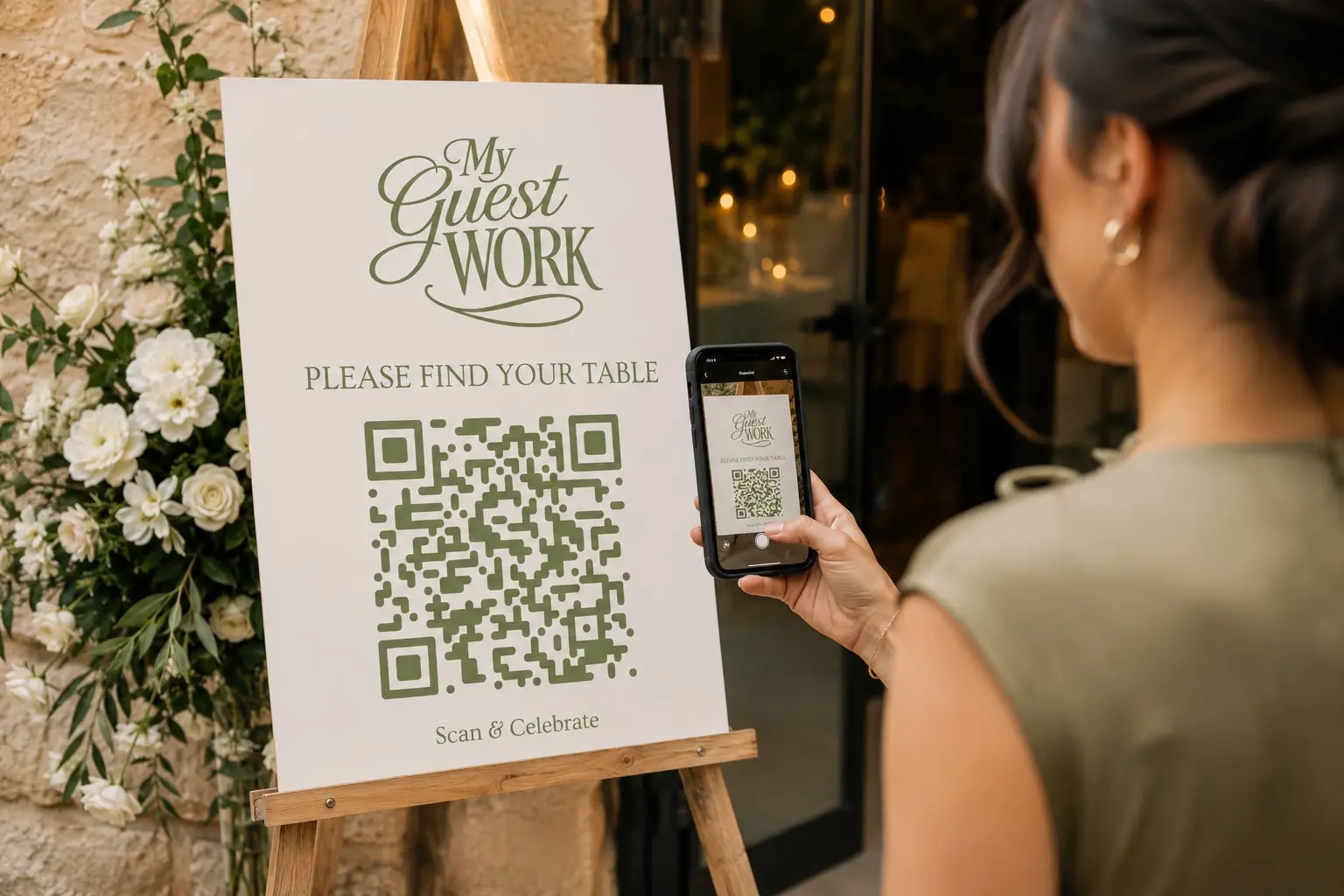
No crowd at the seating board. Guests scan, find their table and see the whole night on their phone. Weddings, corporate events, birthdays, anniversaries and everything in between.
No app. No stress.
Your first event is free for up to 50 guests. Some features are on Pro and Premium.
Your guests scan once to find their table, browse the menu and floor plan, check the schedule, and upload their photos and videos. Behind the scenes, you manage invites, RSVPs, your guest list and a live event site you fully control.
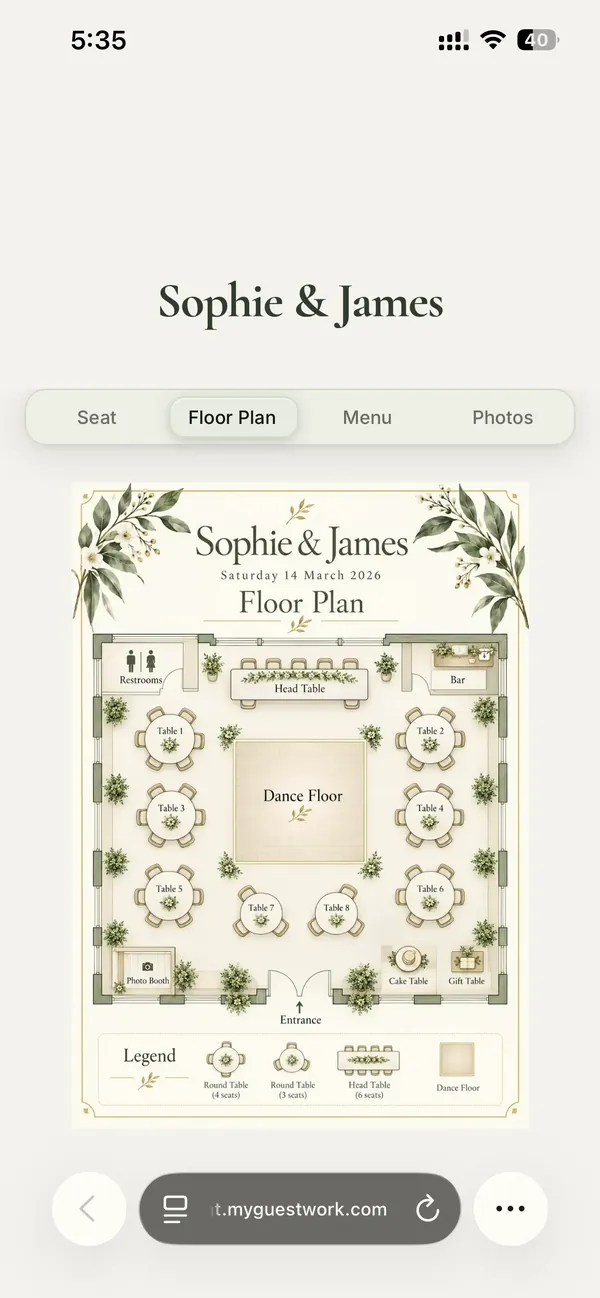
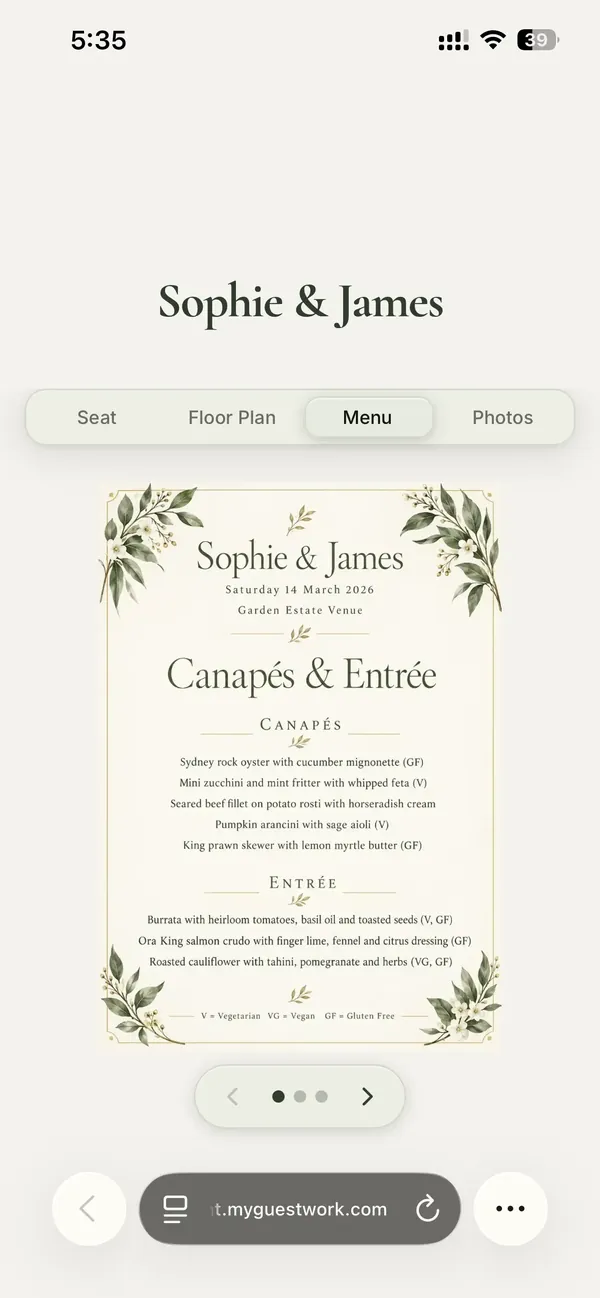
No app required for guests. Update your guest list, seating, floor plan, menu, schedule and site design anytime, even during the event.
Add or adjust guests at any time before the event.
Pick a theme in minutes, or set your own fonts, colours and tabs on Pro.
Use one of our templates or design your own.
What happens on event day
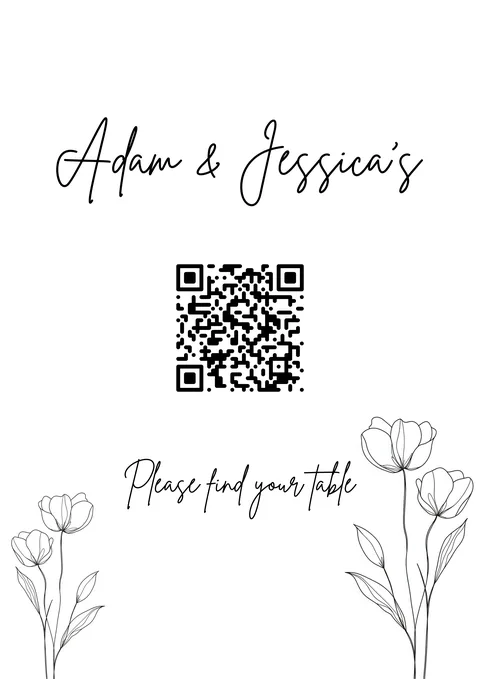
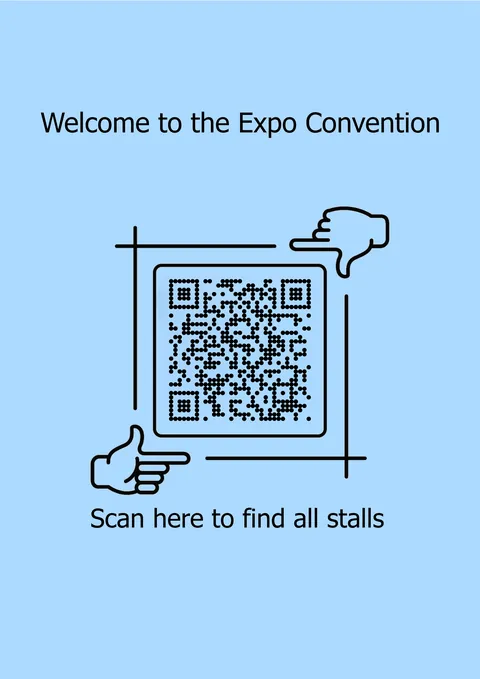
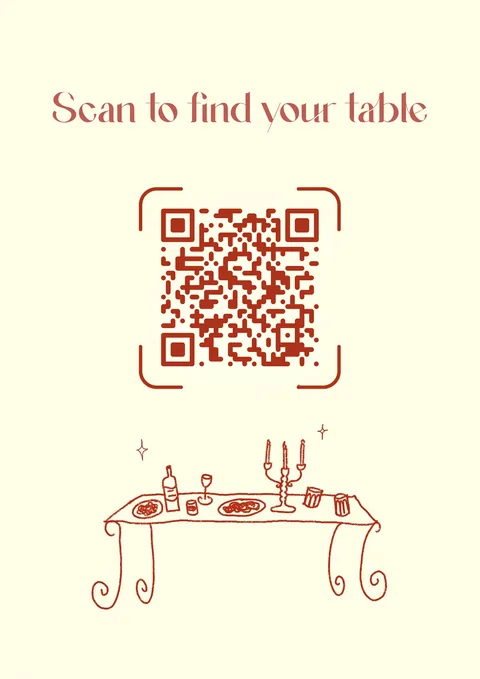
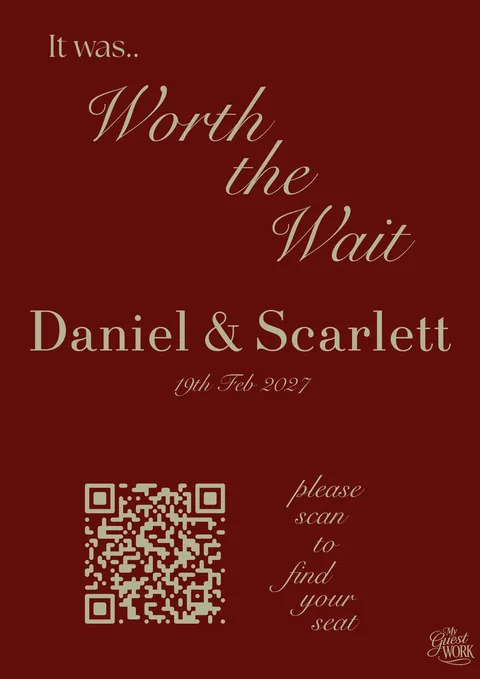
Sees the QR code at the entrance
The guest page opens on their phone
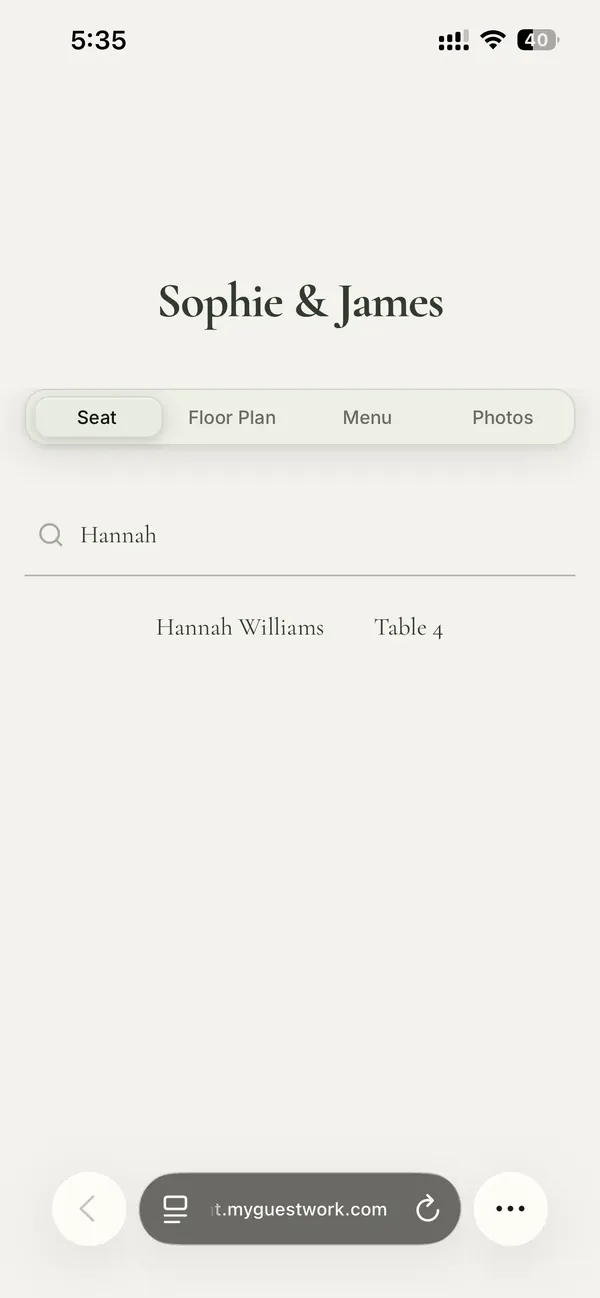
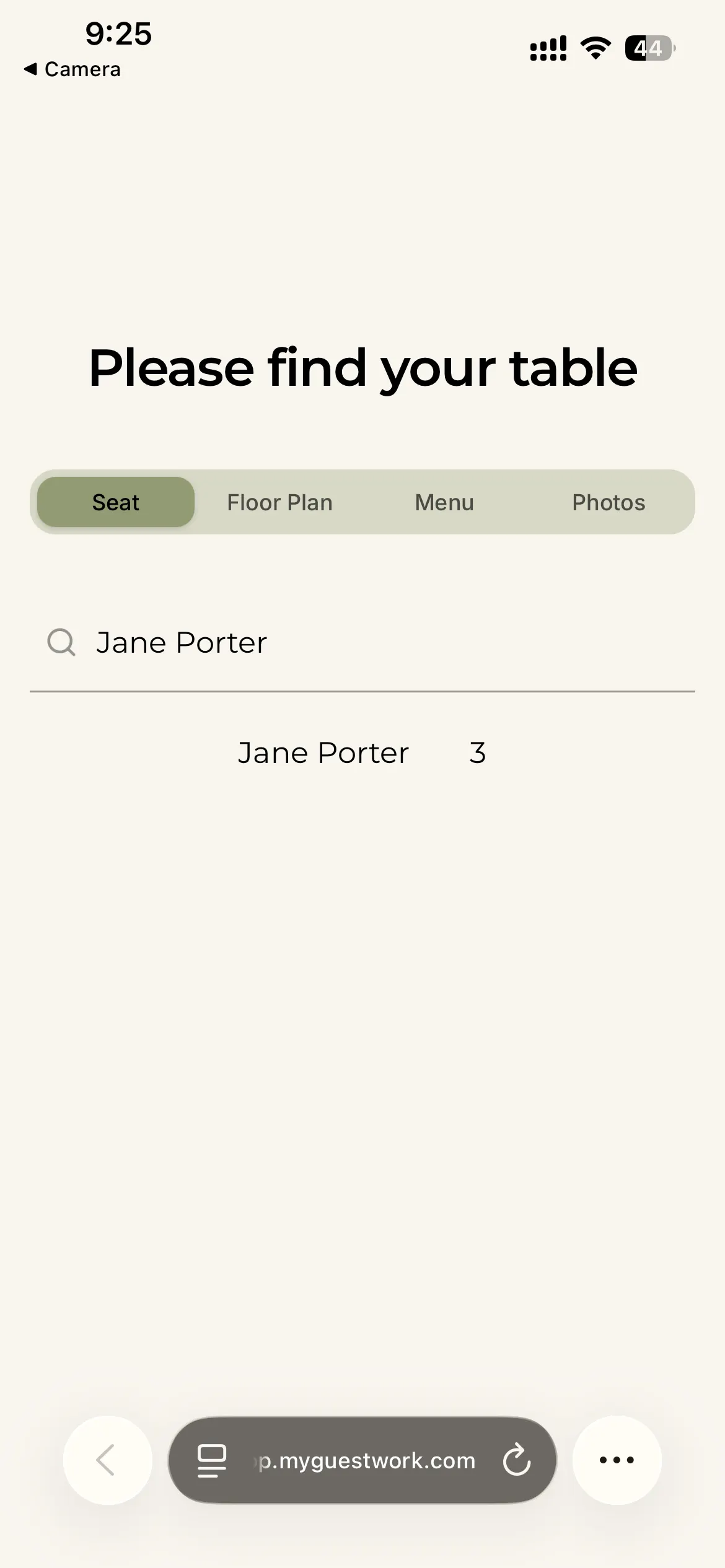
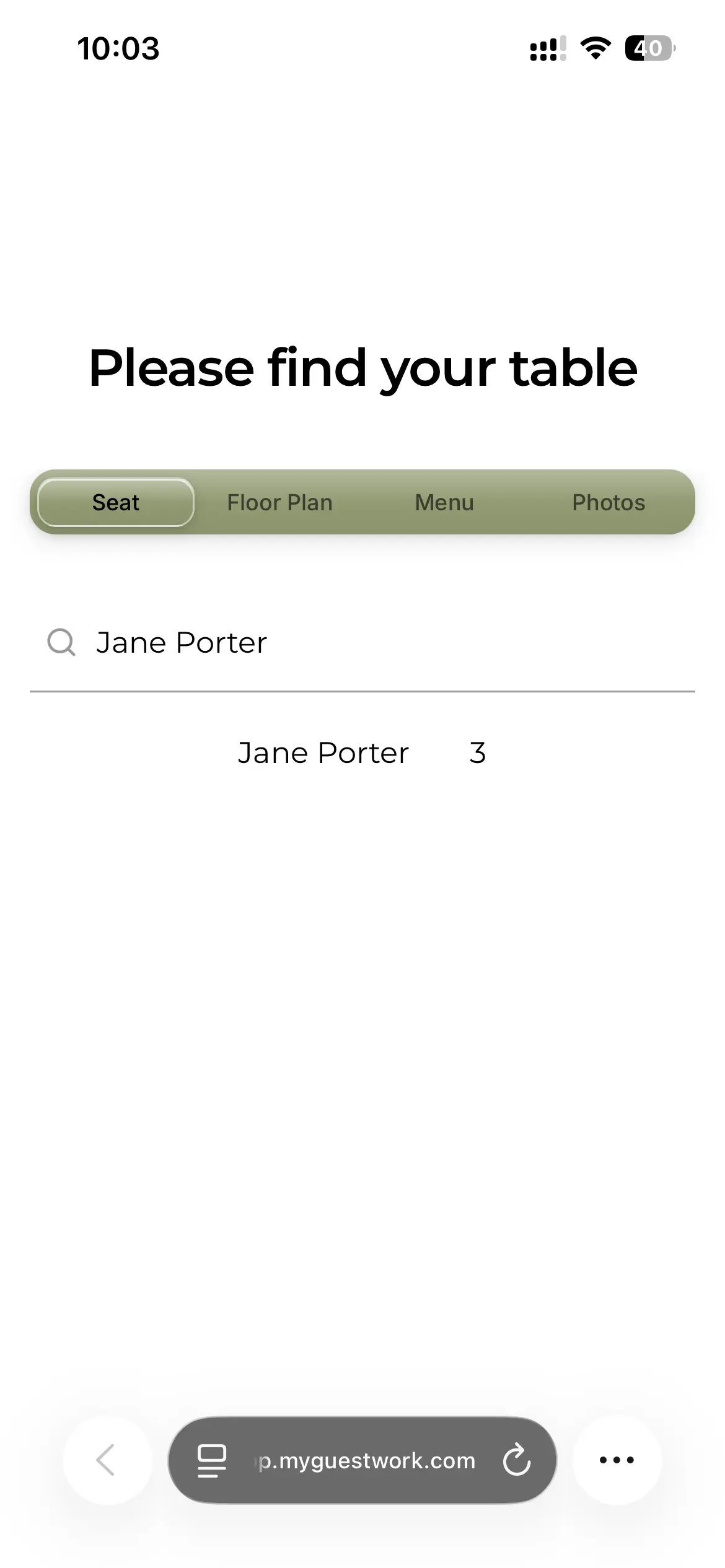
Types their name and finds their table in seconds
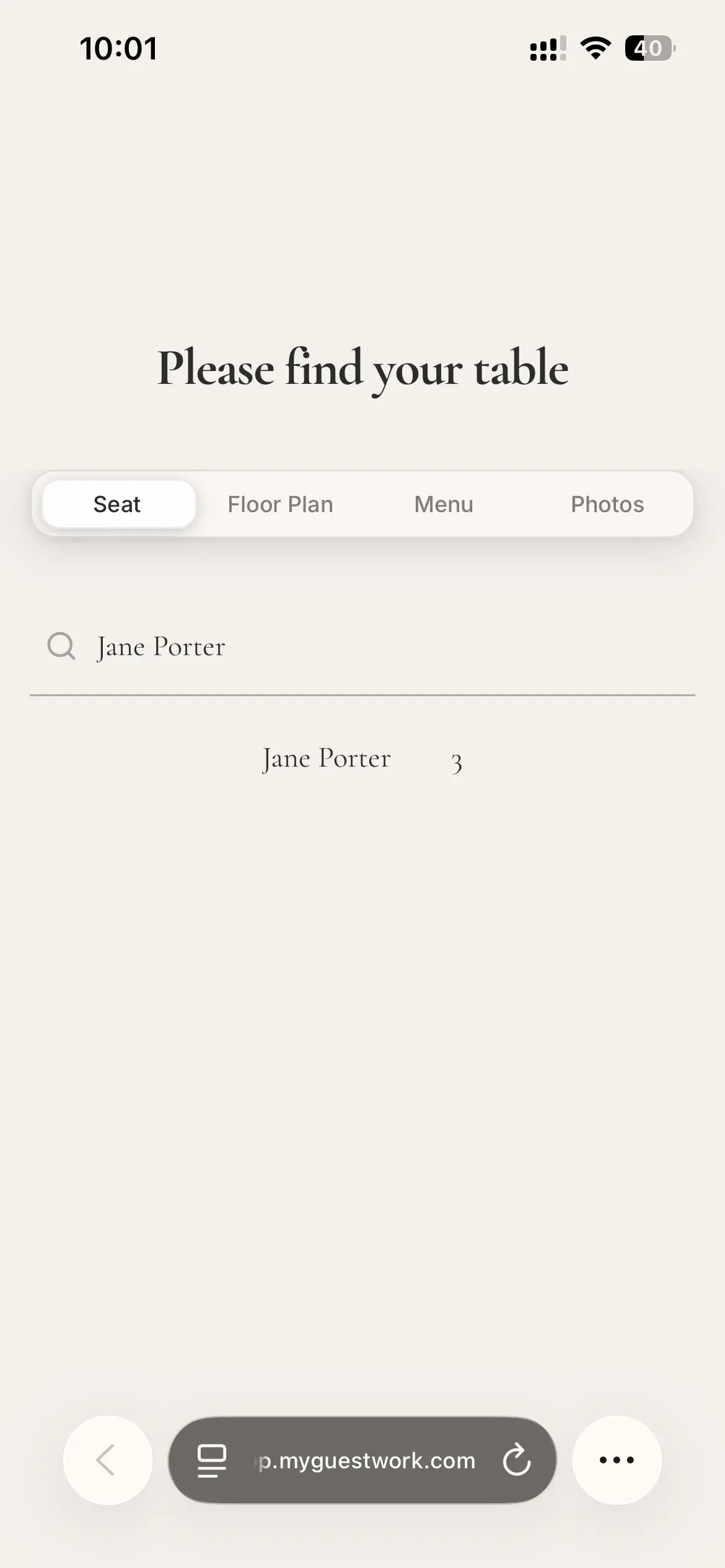
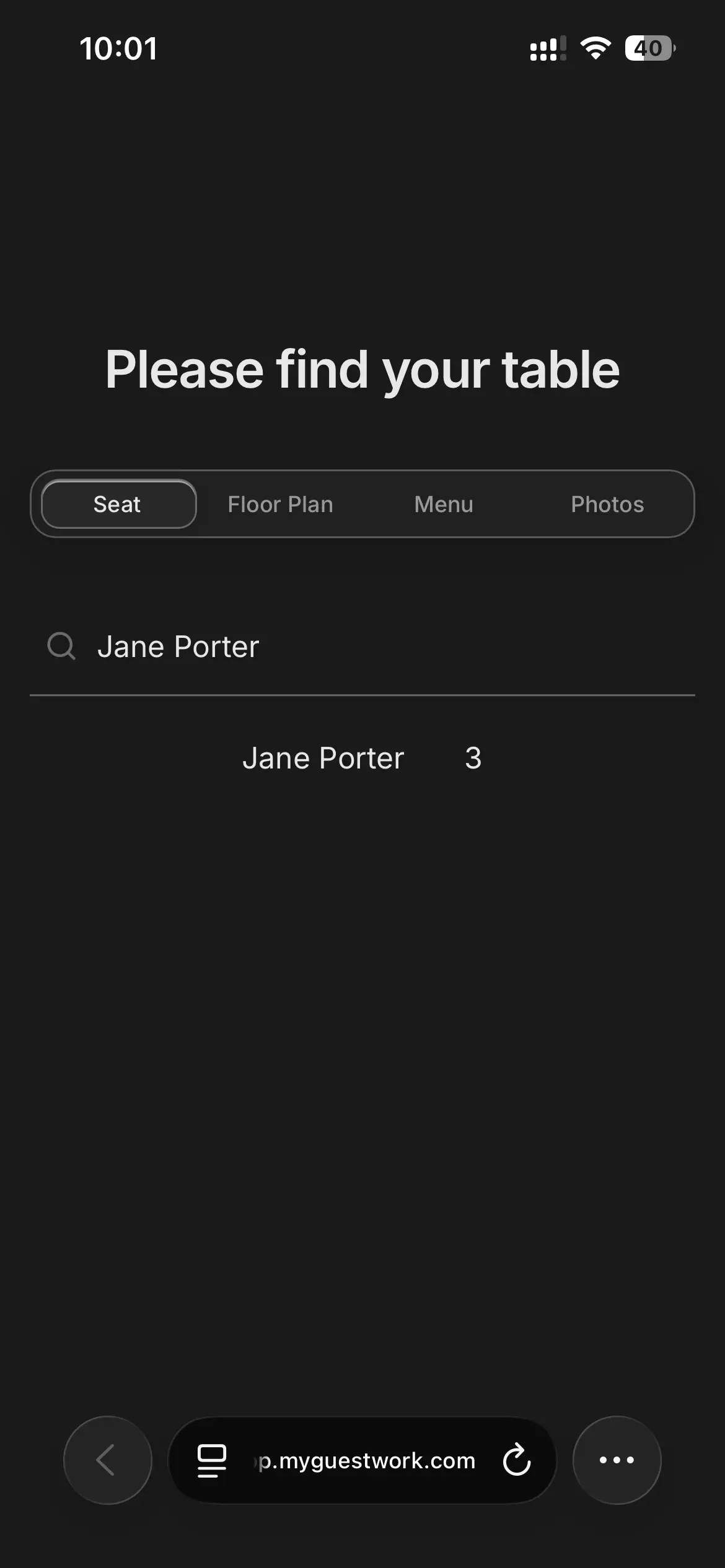
MyGuestWork is a guest experience platform for weddings and events, bringing guest lists, RSVPs, QR code seating, menus, floor plans, event information and guest photos together in one place.
01
02
Seating is optional. Turn off seat lookup and use the page for event information and photo and video uploads.
03
Used for weddings, conferences, galas, birthdays and corporate events. Planners and venues run every client event with Event Bundles. Planning a wedding? See how a wedding seating chart QR code works. Your first event is free for up to 50 guests; some features are on Pro and Premium.
Invite guests to every function or only the ones they're coming to, and collect RSVPs for each. Run a multi-function wedding, a wedding weekend or a conference as one event, with up to 10 days, separate seating for each and one QR code. On Premium and Event Bundles.

Shenji Wedding
Select a day
Real feedback from weddings, private events and corporate celebrations using MyGuestWork.
From weddings to corporate events, your live site can match the look and feel of the day. Add menus, floor plans, and guest photo or video uploads, all from the same live page.
Start from scratch or choose a ready-made template.
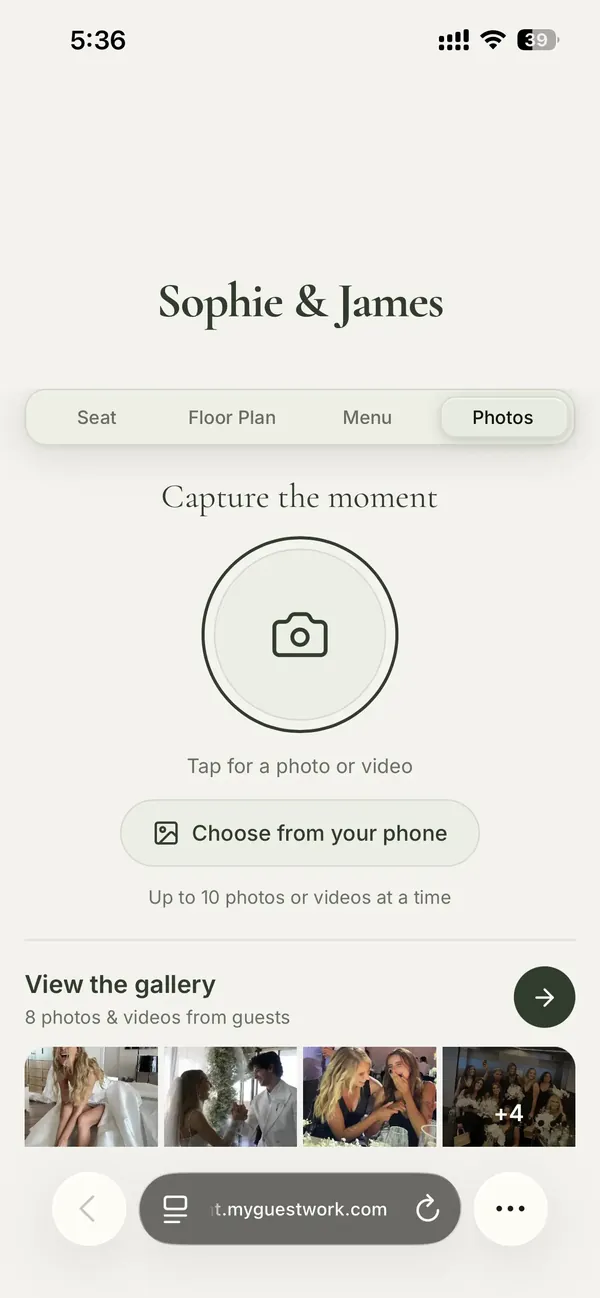
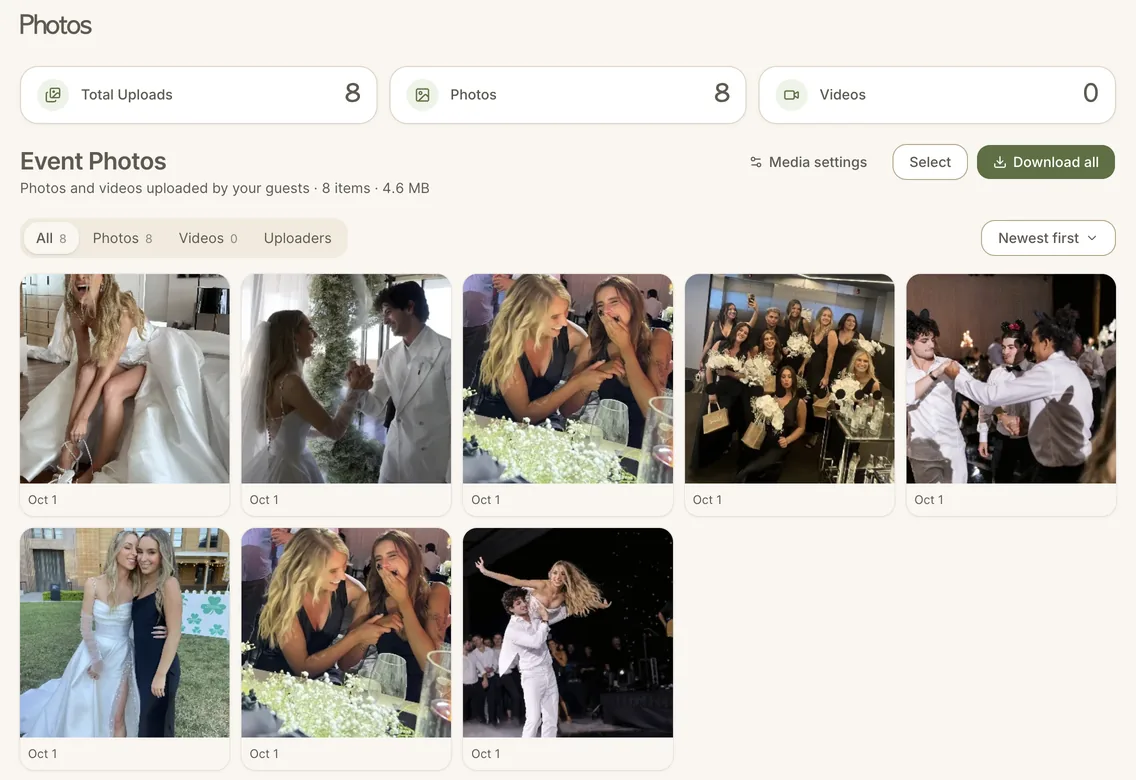
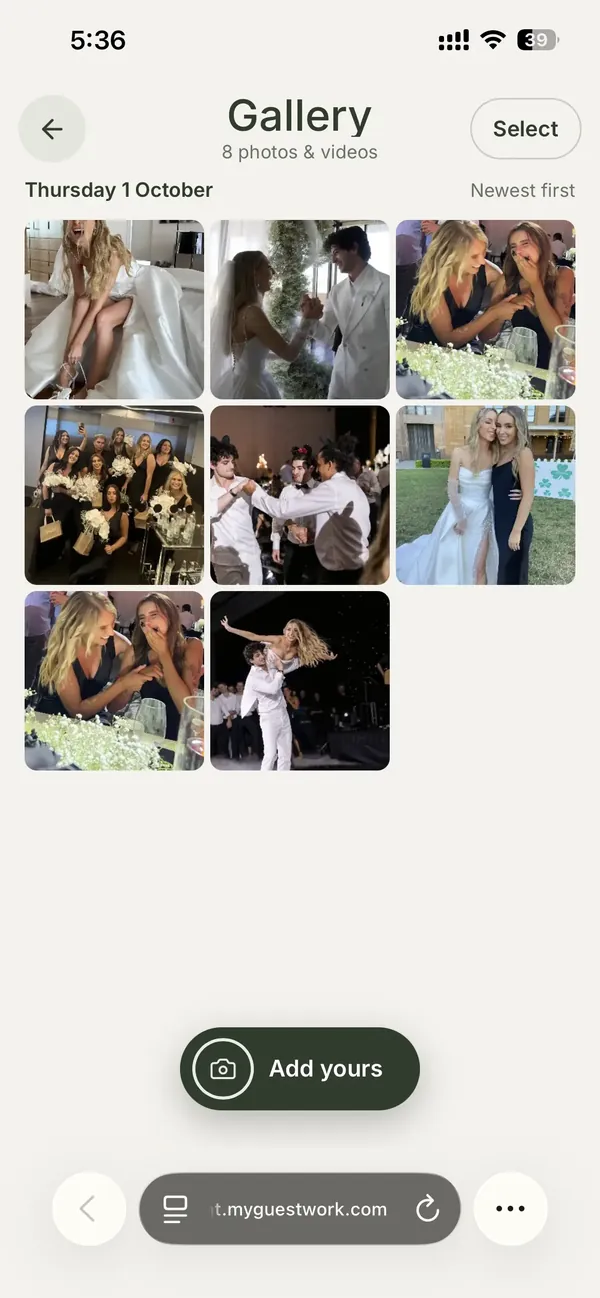
Guest uploads help capture the candid moments happening all around your event.
GUEST PHOTO GALLERY
Create a private guest photo upload gallery for weddings, birthdays, corporate events, and celebrations. Guests can scan your event QR code, upload photos and videos from their phone, and relive the memories. No app required. On Premium.
Perfect for:
Guests can:
Hosts receive:
What users say about the guest gallery
“One of my favourite things after the wedding was looking through all the guest photos. There were so many moments our photographer couldn't have captured because they were happening at the same time elsewhere. The gallery was full of fun, candid photos from the day and night.”
Emma
Bride
“I honestly didn't expect much from the guest photo gallery, but it ended up being one of the highlights. It captured all the little moments we would've otherwise missed and gave us a completely different perspective of the day.”
Rachel
Bride
Planning your seating can feel harder than it should be. These guides walk you through the key decisions so everything runs smoothly on the day.
If you are new to QR seating, this explains how it works from start to finish. See exactly what your guests will do and how quickly they find their table.
Trying to decide between digital and printed? Here is a clear breakdown of both, so you can choose what works best for your event.
If you want something that feels more thoughtful than a standard seating board, these ideas will help you create a setup that fits your day.
It is easy to overlook small details when planning. These are the mistakes that tend to cause the most issues on the day.
Guest cancellations and late RSVPs happen at every wedding. Here is how to handle adjustments in the final days without reprinting signage or adding stress.
Starting from a blank table plan? This walks you through the whole thing, from your first headcount to who sits where on the day.
Divorced parents and family tension make seating tricky. Here are practical ways to arrange the tables so everyone feels comfortable.
Round or long, work out how many guests fit at each table so you know how many tables you actually need.
No app is needed to use this service. You set everything up through our website, and your event guests simply scan the QR code using their phone camera.
Not at all. If you can fill out a form and upload a spreadsheet, you can use our platform. It's designed for anyone planning an event, if it’s your first time planning an event or your tenth. Planners running several events use Event Bundles.
Guests scan the QR code on display, open the live event seating page, type their name, and see their table in seconds.
Yes. Every plan, Free included, lets you style your live site with a Wedding, Corporate, Birthday or Anniversary theme. Pro adds full design customisation (your own fonts, colours, background colour and tabs), custom font uploads and custom QR code branding. Premium puts your logo at the top of your live site. Either way it feels like part of the event, not a generic webpage.
No problem. You can update your guest list and seating at any time, right up until the event. Changes go live on the page straight away, and the same QR code keeps showing the latest version. It only changes if you change your event link.
Guests just need a basic mobile data connection to scan the QR code, the same they'd use to check their messages. No venue Wi-Fi required, and the page is light enough for a weak signal.
You can also share a direct link to your seating page, so guests can access it from any browser. On Pro and Premium you can export your guest list, sorted by table, and print it as a backup.
Your QR code is yours to use however works best for your event. Display it on a sign at the entrance, print it on place cards, add it to your invitations, or project it on a screen, anywhere your guests will see it. Our free QR sign maker turns it into a printable sign, so it looks great without any design work on your end.
Yes. On Premium and Event Bundles, guests can upload photos and videos through the same event page they use to find their table. You can view, manage, and download the shared content after the event.
Not at all. It works for any seated event, corporate dinners, galas, birthday parties, award nights, school formals, charity events, and more. For corporate dinners, conferences and awards nights, see our event seating software. If you have guests and tables, it works for you.
Still have questions? Contact us
Your first event is on us, up to 50 guests. Pro takes you to 150, and Premium is unlimited.
Best for trying MyGuestWork
Best for smaller events
Best for full events and large guest lists
Everything in Premium, plus your brand on every event, a login for each client and room for your whole team.
Best for planners getting started
Best for busy planners and venues
Best for high-volume use
Contact us for custom pricing.