
Seven seating chart mistakes that slow guests down
Quick Answer
The most common seating chart mistakes are leaving it too late, prioritising pretty over readable, and having no plan for the guest who cancels four days out. Most of them come down to treating the chart as decoration instead of a tool guests actually have to use.
A seating chart has one job: get 120 people to the right table without a bottleneck at the door. Almost every mistake below is some version of forgetting that. If you're building yours from scratch, our guide to making your wedding seating chart covers the order to work in.
1. Starting too late
Couples consistently underestimate this one. You can't finalise seating until RSVPs are in, but you can do most of the work before then: grouping guests into rough table clusters as invitations go out, so when the numbers land you're adjusting, not starting cold. Leave the whole thing to the final week and you'll be making cousin-politics decisions at 11pm with a week of other jobs piling up. Those clusters land better if you know how many people fit at a wedding table, so you're grouping to a real seat count instead of a guess.
2. Pretty over readable
This is the big one. Calligraphy on a dark acrylic board looks stunning in photos and is genuinely hard to read in a dim reception room when someone's three wines deep and looking for "Nguyen." If a guest can't find their name in about five seconds, the design failed, no matter how good it looks on the gram.
3. No plan for last-minute changes
Someone always drops out. Someone's plus-one materialises the day before. With a printed board, a single change means either a reprint or a visibly corrected sign. The fix isn't avoiding changes. It's building a setup where a change takes thirty seconds instead of a reprint.
4. One sign, one queue
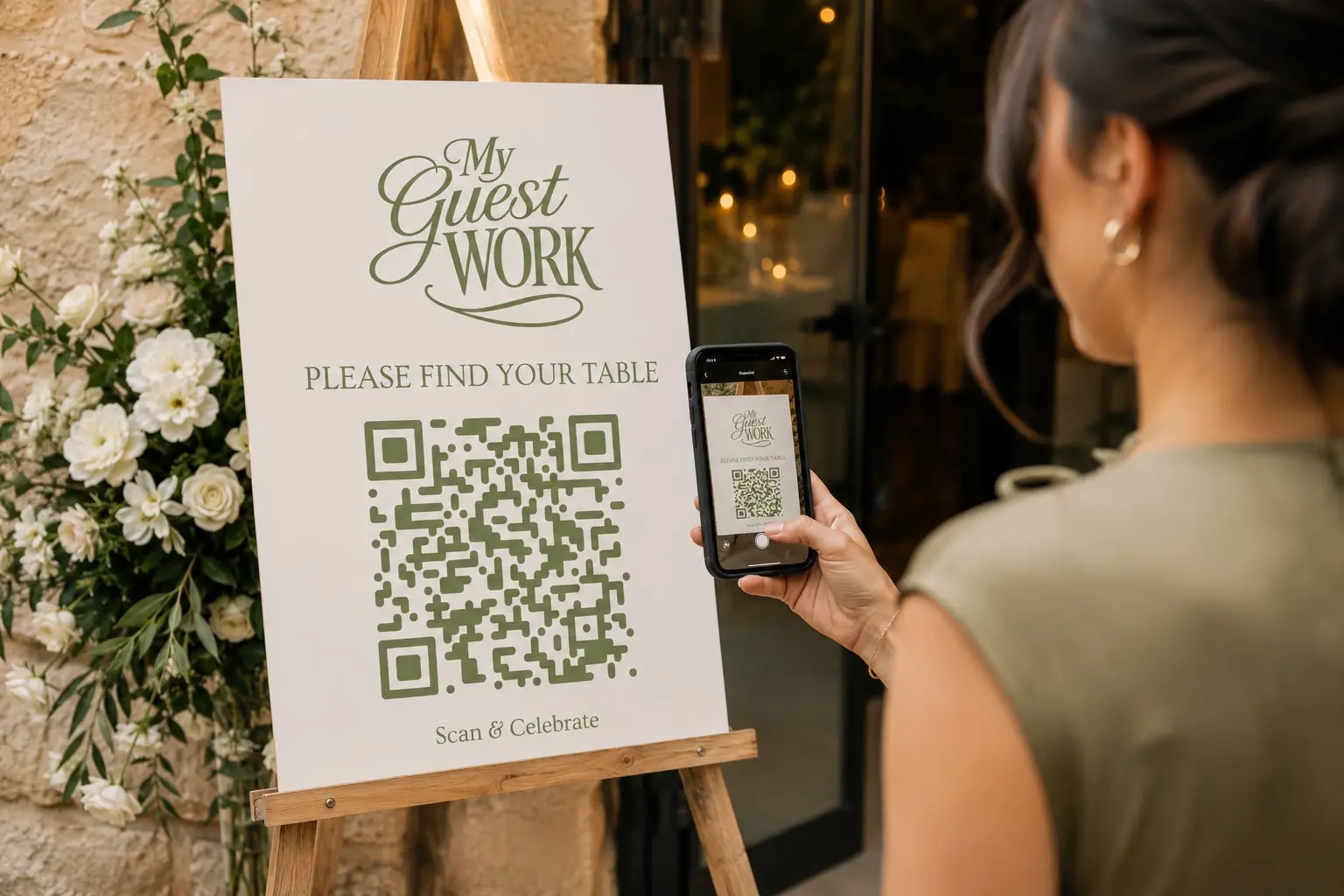
A single printed board means everyone funnels to one spot at the same moment, right when they walk in. You get a clot of people at the entrance while the bar sits empty. Either spread the information out, or give people a way to look it up without crowding one board.
5. Sorting by table instead of name
Guests don't think "I'm probably table 9." They think "where's my name." A chart organised by table number forces every guest to scan all of it. Alphabetical by name, or a search they can do themselves, is the difference between a glance and a hunt.
6. Never testing it
Nobody checks the chart from a guest's point of view before the day. Stand where guests will stand. Can you read it from a few steps back? In low light? If you're using anything digital, scan it yourself on a different phone. The day of the wedding is the wrong time to discover the font's too small.
7. Overdesigning it
The instinct is to make the chart a feature. Usually the cleanest version wins: clear names, clear tables, nothing fighting for attention. Save the drama for the florals.
The thread through all of these: a seating chart is for the guest standing in the doorway, not for the photo. Get them to their table fast and the rest takes care of itself.
Frequently asked questions
Start grouping guests into rough table clusters as soon as invitations go out, well before RSVPs are due. You won't be able to finalise anything until the numbers are in, but the early groundwork means you're adjusting a plan in the final weeks instead of building one from scratch.
A name search beats a table-number lookup every time, because guests think in names, not numbers. Whether that's an alphabetical printed list or a digital seating board guests can search on their own phone, the goal is the same either way. Get them from name to table in seconds.
With a printed board, you're stuck with a reprint or a visibly corrected sign, neither of which looks great. A digital seating chart lets you update the table assignment, and the change is live for guests within seconds, with no reprint needed.
Set up your event's seating in MyGuestWork
Import your guest list, assign tables and give guests one QR code to find their table on their phone. Free for your first event, up to 50 guests.
Create Your Free Seating Chart