QR Code Seating Chart Software for Weddings and Events
Create a digital seating plan your guests open with one QR code. Upload your guest list and assign tables. On the day, guests scan the code, type their name and see their table on their own phone. No app to download, and nothing to reprint when the plan changes.
Welcome to
Sophie & James
Scan to find your seat
Sophie & James
What Is QR Code Seating Chart Software?
QR code seating chart software replaces the printed seating board with a live seating chart guests open on their phone. You put one QR code at the entrance. Guests scan it, search their name and see their table. No crowd around the board, and no reprinting when the plan changes.
MyGuestWork takes a few minutes to set up. Upload your guest list, assign tables, style your event page and print the code. The code stays the same while the plan behind it changes, so a table swap made after the invitations have gone out shows up the next time a guest scans. Teams who run seated events every week use it as event seating chart software for venues and planners.
How a QR Code Seating Chart Works
Two steps are yours. The rest happens on your guests' phones.
Upload your guest list
Add guests and assign them to tables from your MyGuestWork dashboard.
Customise your event page
Add your event name and pick a theme. Pro adds your own colours, fonts, menus and a floor plan, and Premium puts your logo on your live site.
-
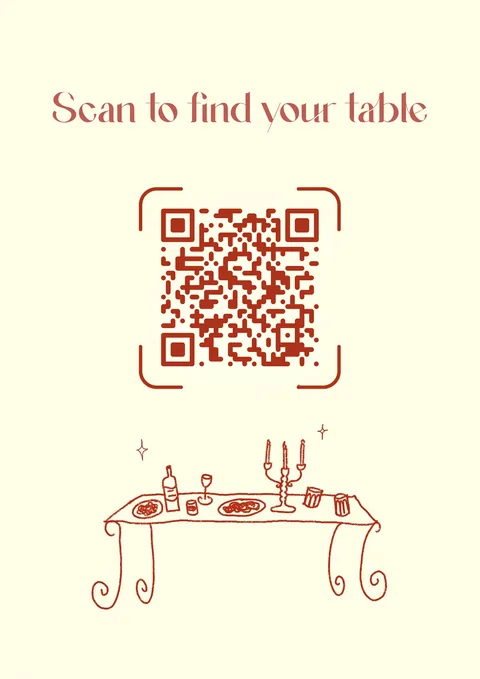
Display your QR code
Print it on a sign for the entrance. Use the free QR sign generator or design your own.
-
Sophie & James
SeatFloor PlanMenuPhotosEnter your name…Guests scan and type their name
The page opens in their phone's browser. There's no app to download.
-
Sophie & James
SeatFloor PlanMenuPhotosNguyenLiam Nguyen Table 4 Sophie Nguyen Table 4And find their table
Every matching name shows with its table beside it. If you've added a floor plan and menu, they're a tap away.
QR Code Seating Chart vs Printed Seating Plan
A printed seating plan can work for simple events, but a QR code seating chart gives you more flexibility when guest lists, table assignments, or event details change.
Who Uses QR Code Seating Charts?
Weddings
Couples use QR code seating charts and digital seating plans to replace printed seating boards and help guests find their table quickly on the day.
Venues
Event venues use QR code seating charts to simplify the arrival experience for every seated event they host throughout the year.
Corporate events
Conference organisers and corporate event teams use QR seating to manage large guest lists and assigned seating efficiently.
Galas and award nights
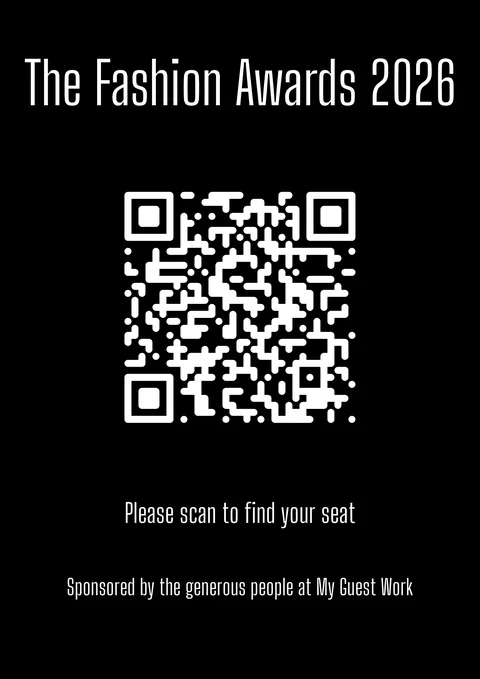
From charity galas to award ceremonies, QR code seating charts reduce confusion and help guests find their seats quickly.
Private events
Birthday dinners, anniversary parties, and school formals: any event with assigned seating benefits from a QR code table finder.
Wedding planners
Wedding and event planners use MyGuestWork to manage digital seating plans for multiple clients from one account.
What Is Included in the MyGuestWork QR Code Seating Chart?
Guest list upload and management
Upload a spreadsheet or add guests manually. Assign tables. Update at any time before the event.
Custom QR code and event page
Generate a QR code linked to your live site. Start from a theme, then on Pro give the QR code your own style, colours and logo.
Guest name search
Guests type their name and see their table assignment. The search is fast even on slow mobile connections.
Menus and floor plans
Add menus and floor plans to your event page so guests can access them from the same page they use to find their table.
Guest photo and video uploads
On supported plans, guests can upload photos and videos through the event page. You can view and download the content after the event.
Printable QR code signs
Make a sign for the entrance with the free QR sign generator: A4, A5, square or business card size, as a PDF or PNG.

Frequently Asked Questions
A QR code seating chart is a digital seating plan for weddings and events. Guests scan a QR code, search their name, and see their table assignment on their phone.
A digital seating chart is an online alternative to a printed seating plan. Organisers create and manage the seating online, then display a QR code at the event. Guests scan the code, search their name, and see their table assignment on their phone.
A printed seating chart is a static physical display that cannot be updated once printed. A digital seating chart is hosted online and can be updated at any time before or during the event. Changes show up for guests the next time they scan, without reprinting anything.
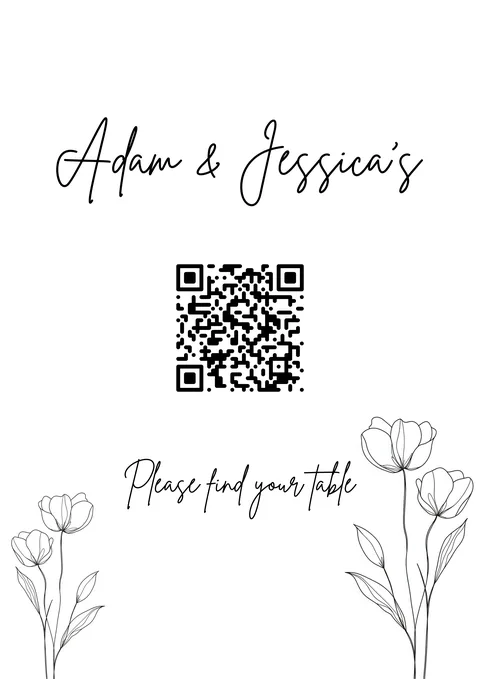
Yes. MyGuestWork can be used as a QR code wedding seating chart or digital wedding seating plan. You can display the QR code at your reception entrance, on a welcome sign, or beside your printed stationery.
Guests scan the QR code with their phone camera. This opens a live seating page where they type their name and see their assigned table.
Yes. The QR code links to a live event page, so you can update guest assignments at any time. The same QR code will show the latest version of your seating plan.
Yes. Guests can search their name to find their seating result quickly. This makes it easier than looking through a large printed seating board.
No. QR code seating charts can be used for corporate dinners, galas, award nights, conferences, school formals, private events, and any event with assigned seating.
Create Your QR Code Seating Chart
Set up a digital seating plan for your wedding or event, then let guests scan one QR code to find their table.