One-day event
Sophie & James
Find your table, then look at the floor plan, the menu and the Photos tab.
Open the live site
Style the live site guests open from your QR code. Every plan gets four theme presets, Pro adds your own fonts, colours, tab styles and a QR code to match, and Premium and Event Bundles add your logo and a background photo.
All plans Theme presets on every plan, including Free. Full design customisation, custom fonts and QR code styling on Pro. Your logo and a background photo on Premium and Event Bundles. Compare plans
Theme
Sophie & James
Sophie & James
Sophie & James
Sophie & James
Live Site Tabs
Labels and order
Drag to reorder, and change how each tab appears to guests. Guests land on the first tab.
Keep labels short so they display well on mobile.
Renaming and reordering tabs is on Pro, Premium and Event Bundles.
Four steps, from a preset to a finished page and a QR code that matches it.
Wedding, Corporate, Birthday or Anniversary sets the font, the colours and the tab style in one click. A live phone preview beside the controls shows the page as guests will see it.
Pick from nineteen fonts or upload your own, set the page and text colours, the tab and card colour and its text colour, and how see-through the cards are, and style the title: its size, bold, italic, alignment and spacing. Add your logo or a background photo on Premium and Event Bundles.
Rename them in your own words, drag them into order, and choose a classic, glass, matte or glossy finish.
Classic, rounded or dots, in your colours with your logo in the middle, then download it as a PNG or SVG for your signs.
The four theme presets: Wedding, Corporate, Birthday and Anniversary. Your own page heading and search box wording. The standard QR code as a PNG or SVG.
Everything in Free, plus full design customisation: fonts, colours, the title, tab styles, tab names and order. Upload your own font for the title and name search, and style the QR code with your colours and your logo in the middle.
Everything in Pro, plus your logo on the page, a background photo, a tab of its own for an information section, and the day picker on multi-day events.
Pro and Premium Nineteen fonts in three groups: clean and modern, such as Inter and Montserrat; elegant serifs, such as Playfair Display and Cormorant Garamond; and script, such as Great Vibes and Pinyon Script. Or upload your own as a .woff2 or .ttf file up to 2 MB.
Set the page background, the text, the tab and card colour and its text colour, and how see-through the cards are. If two colours are hard to read together, a warning appears under the preview:
Change its size, make it bold, italic or underlined, align it left, centre or right, and set the spacing around the header.
All plans Write your own page heading, with line breaks where you want them, and change the name search wording from "Enter your name" to whatever suits your event.
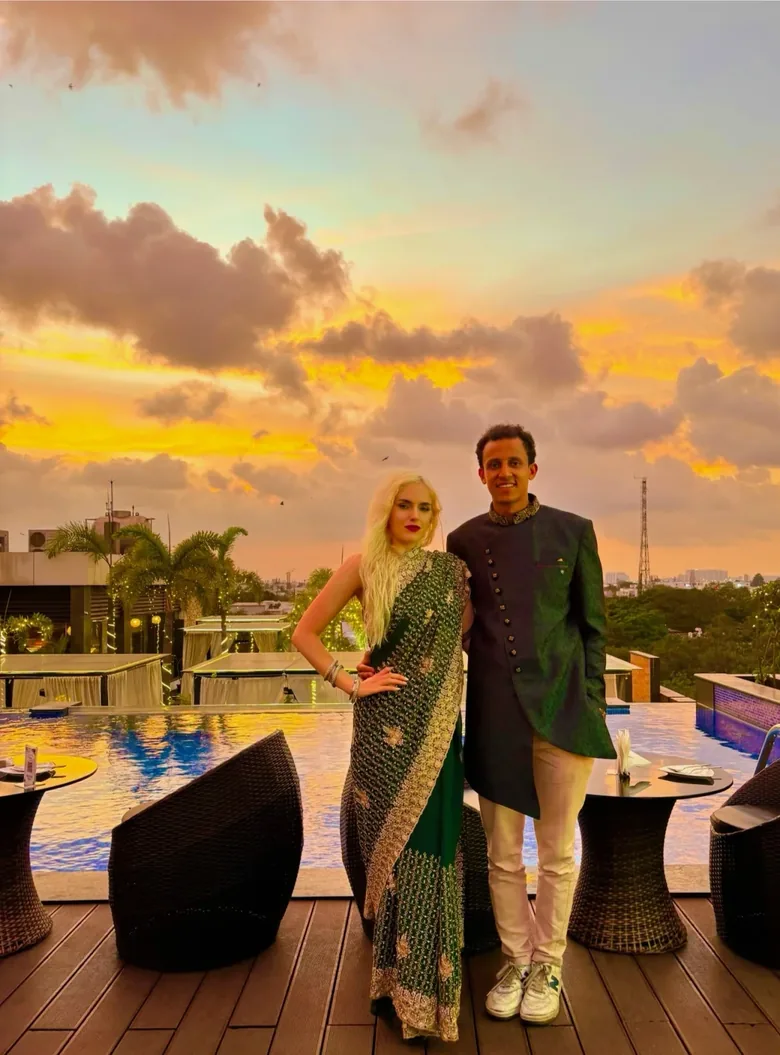
A background photo Premium A band across the top of the page or a full cover behind it. Drag and zoom to frame it. You are warned if the photo's shape means most of it will be cropped away, or if you zoom in so far it may look soft.
Shenji Wedding
No photoYour colours only
Shenji Wedding
BandA photo across the top
Shenji Wedding
CoverThe photo behind everything
The Shenji Wedding demo event, with its own photo.
Premium Upload a PNG, JPEG or WebP photo up to 10 MB. One photo covers every day of a multi-day event, and the day picker can use the same photo or one of its own.
With Cover, choose how your content sits over the photo: no panel, a soft fade with its own strength slider, or a card. A photo opacity slider fades the photo itself, and your own colours stay as you set them.
Pro and Premium Four finishes for the tabs: classic, glass, matte and glossy.
Premium Show a logo in place of the event name and set its width: a company logo, a monogram, or a venue's own mark.
Premium On an event over several days, guests pick their day first. Give that screen its own intro line, instructions and background photo, and choose whether to show the dates. See multi-day events.
See your colours on a real live site
Theme presets are on every plan, including Free, so you can try a look on your own event before you choose a plan.
Pro and Premium The tabs are Seat, Floor Plan, Menu, Info and Photos, depending on what your event uses. Rename any of them (Floor Plan becomes Venue Map, Photos becomes Snaps) and drag them into order. Guests land on the first one, so a conference can open on the floor plan and a wedding on the seating.
On Premium and Event Bundles, an information section can also be given a tab of its own, so the schedule or the dress code sits in the row with everything else instead of inside Info.
As it starts
Renamed and reordered
Guests now land on Venue Map.
The code on your welcome sign and table cards opens your live site, so it can carry the same look.
The RSVP QR code for your invitations is a separate code. For how this one works on the day, see the QR code seating chart.
QR Style
ClassicRoundedDotsColours
Logo Overlay
PNG only · max 2 MB · larger logos reduce scan reliability
Download
Print tips
Live Access
Scan or share this QR code and link with your guests.
https://sophieandjames.event.myguestwork.com/wedding
36 guests · 36 assigned
Every QR code here is real: scan one to open the Sophie & James demo live site.
Your live site is a set of tabs that you style and arrange. There are no free-form pages or layouts to build.
Tab buttons and information pages keep their usual font.
The other three finishes come back when you switch to Band or no photo.
Saving still works when a pair of colours is hard to read, so the final call is yours.
Open a real live site, the same page your guests get from the QR code. These are demo events with made-up guests.
One-day event
Find your table, then look at the floor plan, the menu and the Photos tab.
Open the live siteMulti-day event
Pick a day first: Mehendi, Sangeet or Wedding & Reception. Each day has its own tables, floor plan and menu.
Open the live sitePut the menu and floor plan on the page guests already have open on Pro, and add the order of the day, a map and your own sections on Premium and Event Bundles.
Add event infoGuests upload photos and videos from the same QR code, with no app. Keep them private or open a shared gallery, then download everything at once.
Collect guest photosRun a conference, a festival, a wedding weekend or a gala dinner series as one event, with different seating and info each day.
Plan a multi-day eventYes, on Pro, Premium and Event Bundles. Upload a .woff2 or .ttf file up to 2 MB and it is used for the event title, the name search and the Photos headings.
Yes, on Premium and Event Bundles. Upload a PNG, JPEG or WebP logo to show in place of the event name.
Yes, on Pro, Premium and Event Bundles. Floor Plan can become Venue Map and Seat can become Your Table. Labels go up to 12 characters so they fit on a phone.
A 3000 by 3000 pixel PNG, or an SVG that scales to any size. Both include your logo if you have added one. Print it at 5 cm by 5 cm or larger so it scans reliably.
Yes. Every plan can download it, and on Free it is the standard black code. Styling it with your colours and logo is on Pro, Premium and Event Bundles.
No. This is the code for the day, which opens your live site. The RSVP QR code for printed invitations is a separate code with its own design.
More questions? Contact us
Start with a theme, then change as much or as little as you like.